Versus Desk Overview
A full ITSM module — Incidents, Problems, Changes, Requests, an SLA engine, approvals, a Service Catalog, a Knowledge Base, and CAB — built directly into Versus, sharing the same devices, the same audit chain, and the same system of record as the automation that touches your network.
What Versus Desk Is
Versus Desk is Versus's native ITSM implementation — the working product name for what ships internally as itsm_native. It covers the ITIL core (Incident, Problem, Change, Request, SLA, Service Catalog) plus the pieces enterprise buyers actually check for on an RFP: a Knowledge Base, CSAT surveys, and a Change Advisory Board. It is deliberately not trying to be an entire ServiceNow-style platform — there's no asset/financial management, no HR/facilities service management, and no discovery-based CMDB, because Versus already has one: your device, VIP, certificate, and rule inventory is the configuration-item source.
If you already run ServiceNow, Versus Desk isn't asking you to rip it out — see ServiceNow Integration for change approval and incident creation against an existing SN instance. Versus Desk is what you reach for when you want the ticketing layer to live in the same place as the automation, instead of behind an integration.
The Seam Is the Product
Every ITSM tool can open an incident or track a change. What almost none of them can do is sit inside the system that actually executes network changes. Versus Desk does, because it isn't integrated with the orchestration engine — it's part of the same platform. A device upgrade, a certificate rotation, a firewall rule push: each one can mint its own change ticket, pre-filled with the real target devices, the real plan, and a real rollback path, because the workflow that's about to run and the ticket that governs it are the same write, not two systems reconciled after the fact.
Bolt-On ITSM (the usual approach)
Two systems, one glue integration, and a change record that's only as complete as whoever filled it in remembered to make it.
Versus Desk
One system of record. The workflow that touches your device and the ticket that governs it are the same transaction, not two systems kept in sync.
This is covered in depth — with the real, seeded hero record — in Change Management: The Automation Gate. The rest of this page covers the foundation everything else sits on: the four ticket types, their state machines, and the SLA engine.
The Versus Desk Workspace
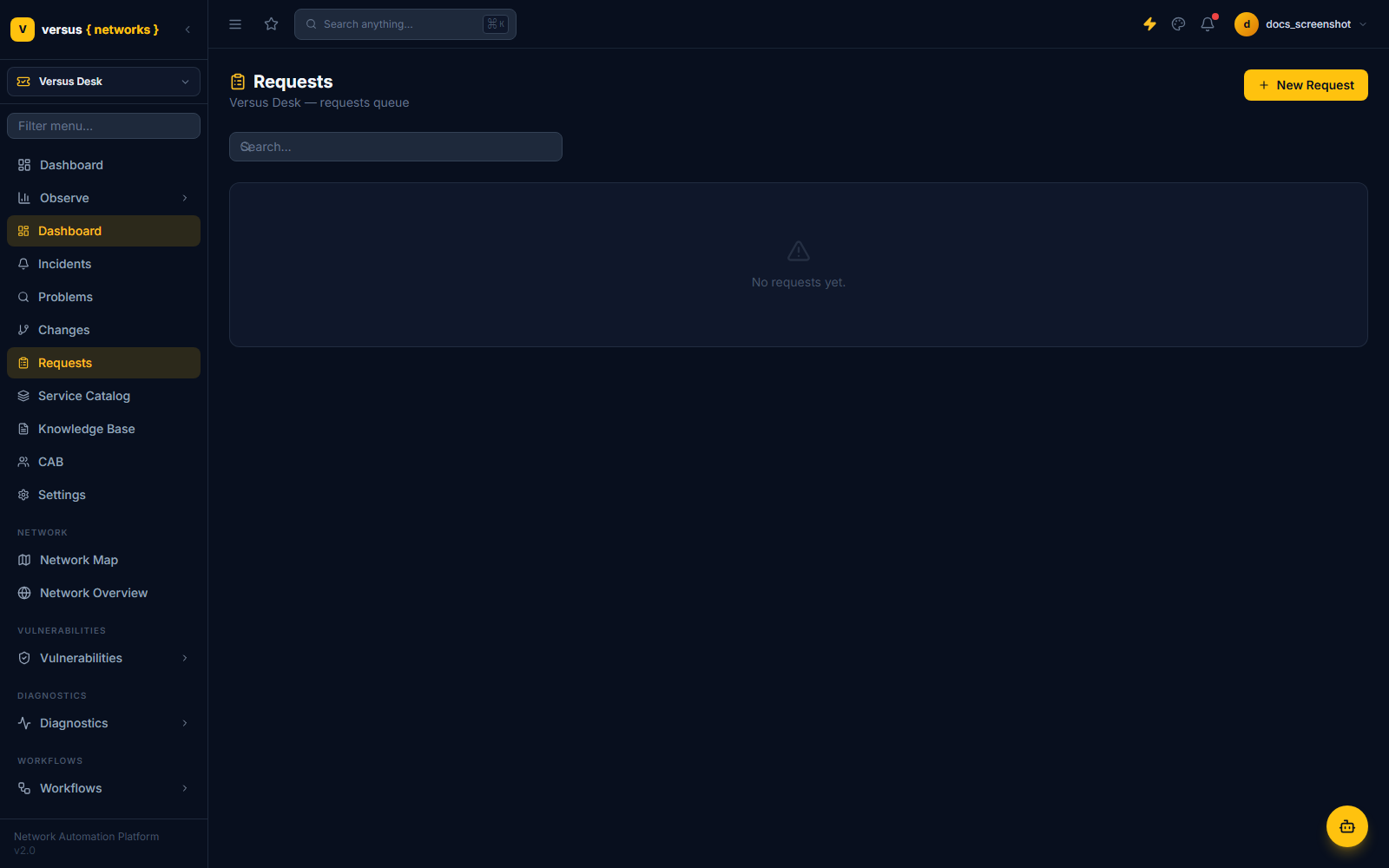
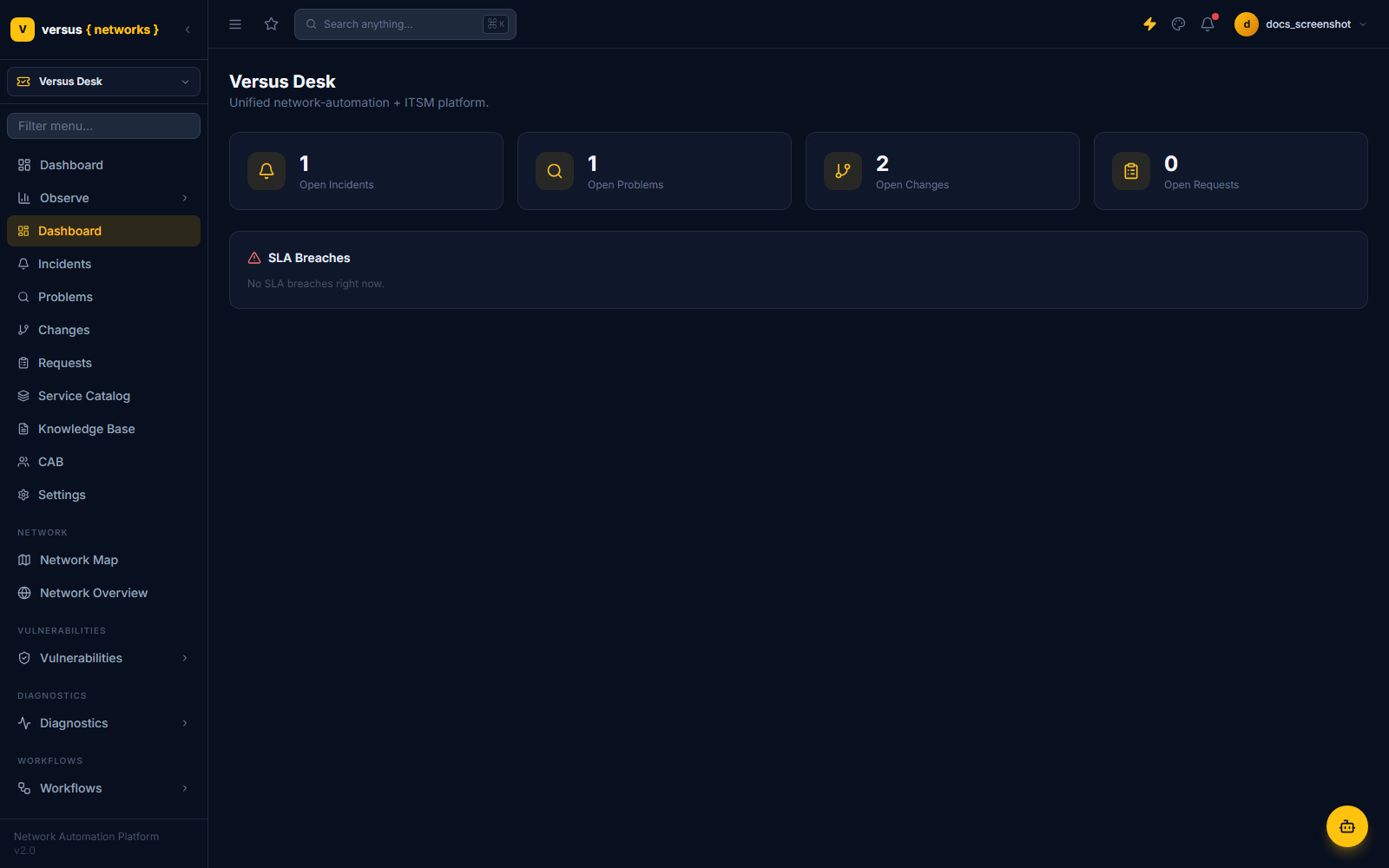
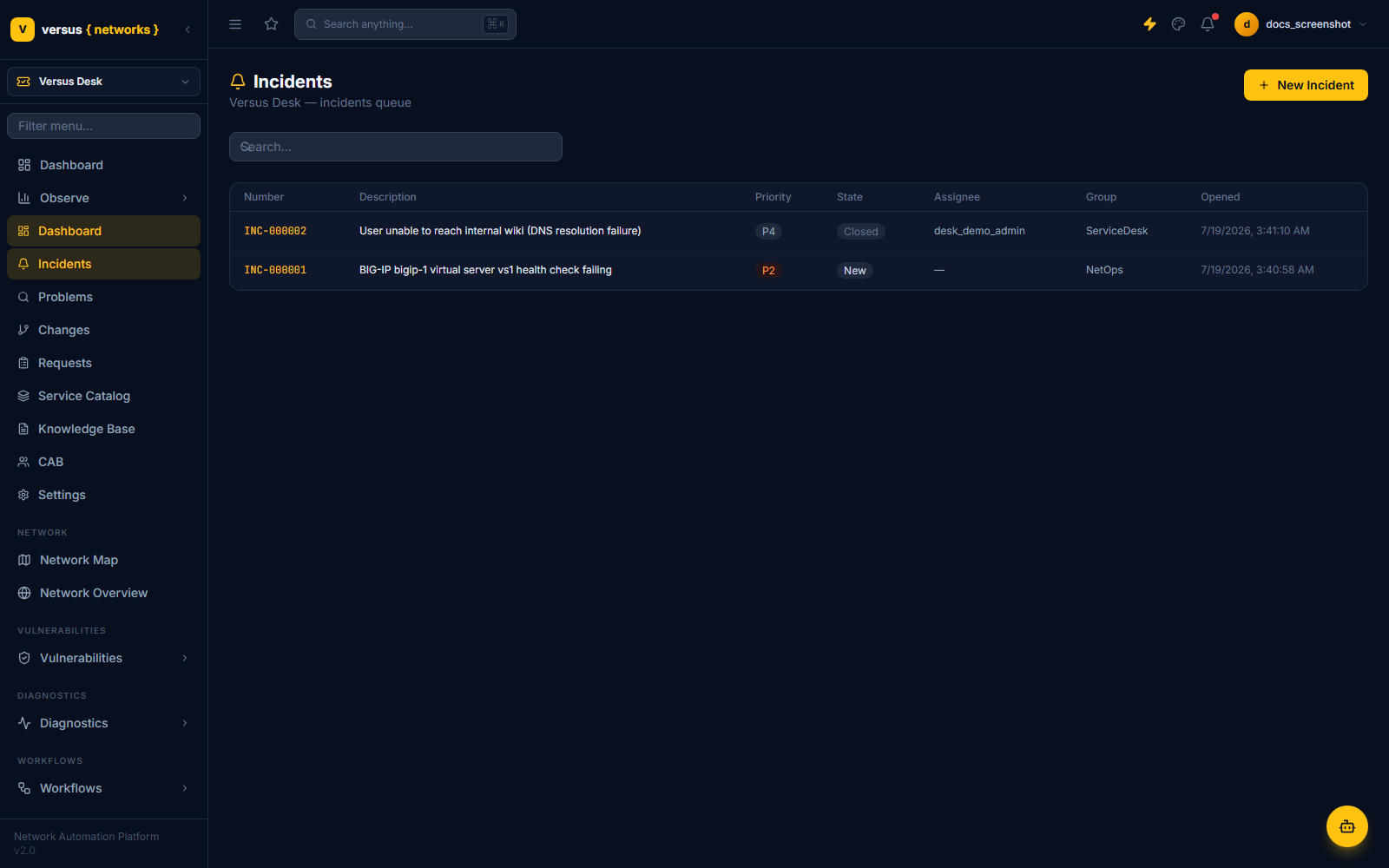
Switching to the Versus Desk workspace replaces the sidebar with the ticketing navigation — Dashboard, Incidents, Problems, Changes, Requests, Service Catalog, Knowledge Base, CAB, and Settings — while Observe, Vulnerabilities, Diagnostics, and Workflows stay available underneath, exactly as they do in every other workspace. Versus Desk is not a separate application you log into; it's another lens on the same platform.
Four Ticket Types, One Engine
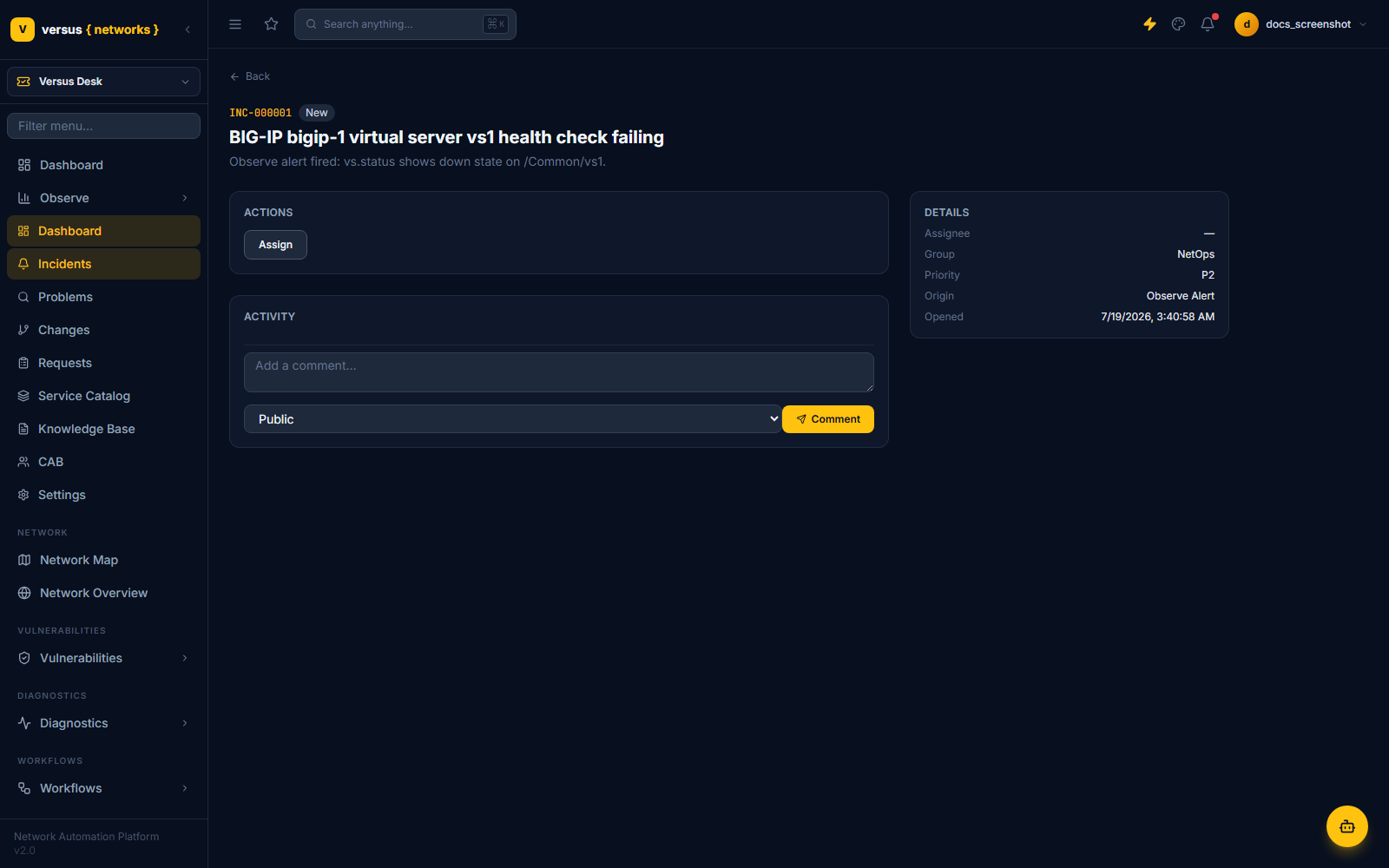
Incident, Problem, Change, and Request all share one ticket record shape (number, priority, impact/urgency, assignment, origin) with a per-type extension table for the fields that only make sense for that type — incident_ext, problem_ext, change_ext, request_ext. State itself is never a hardcoded UI concept: one declarative state-machine engine drives all four, transitions are data ((from_state, event, guard, actions) → to_state), and the UI asks the engine which actions are legal from the ticket's current state rather than hardcoding buttons. Try an illegal transition and the API rejects it outright.
Incident
New → Assigned → In Progress → Resolved → Closed
                        ↕ pend/unpend
                     Pending
Resolved → reopen → In Progress   (within the reopen window; re-arms the resolution SLA)
resolve requires a resolution code and notes; assign requires an assignee or a group; pend requires a reason (awaiting_user, awaiting_vendor, awaiting_change, or scheduled) and pauses the SLA clock while the ticket sits there. An auto-close job moves Resolved → Closed after the reopen window elapses.
Problem
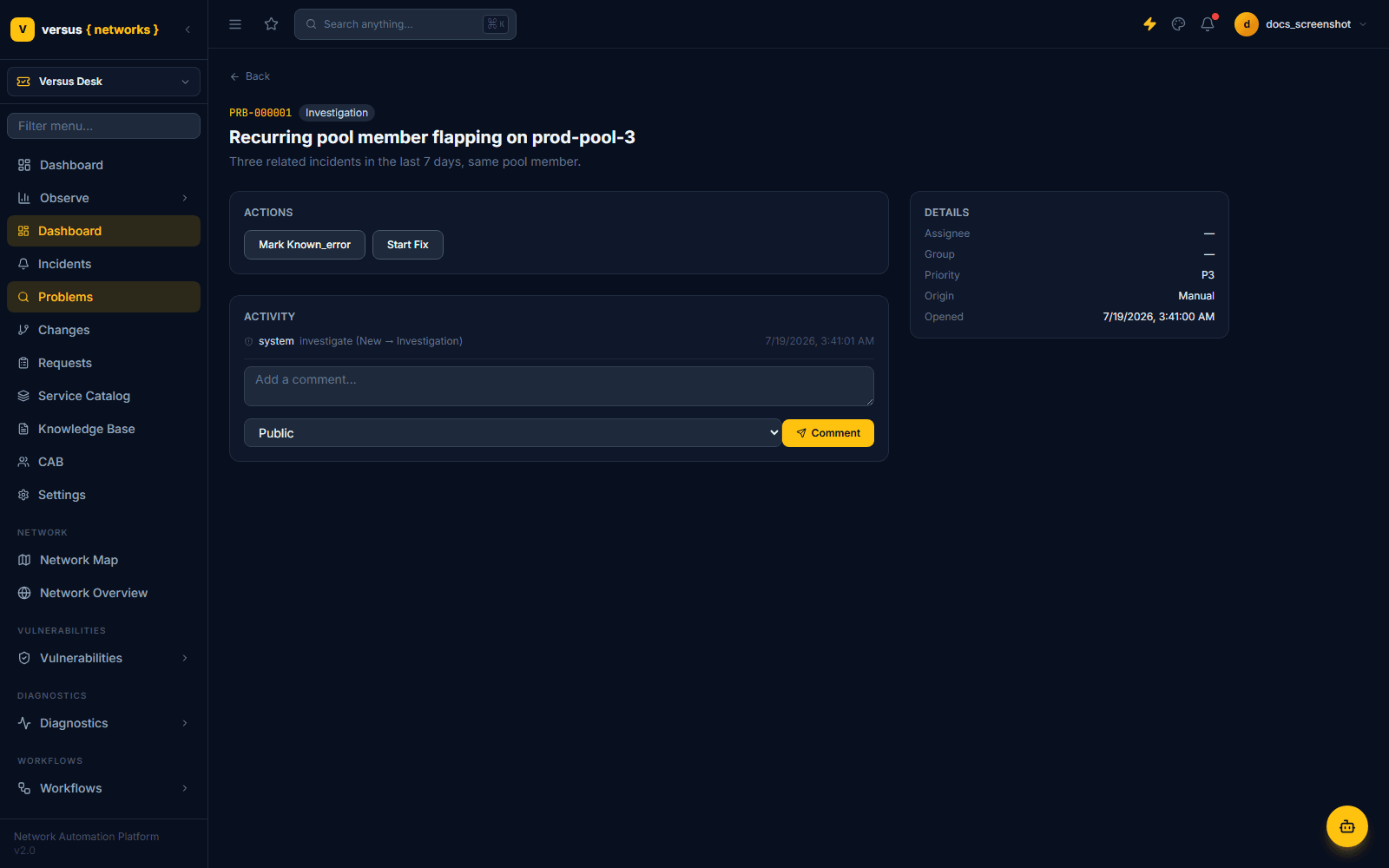
New → Investigation → [Known Error] → Fix In Progress → Resolved → ClosedKnown Error is a flag plus substate — a workaround is documented and a fix may still be pending — and it's queryable by incident agents; this doubles as the known-error database that feeds the Knowledge Base. Fix In Progress requires a linked change ticket. The data model carries a rca_summary field intended to be populated by Throughline's narrative analysis as a suggestion and a rca_confirmed_by field that must be set by a human before the problem can resolve — the LLM explains, a person decides.
Change
Draft → Assess → Authorize → Scheduled → Implementing → Review → Closed
Standard:  Draft → Scheduled                    (template pre-approved, skips Assess/Authorize)
Emergency: Draft → Authorize(emergency) → Implementing → Review → Closed
This is the state machine the rest of the platform hooks into — Assess computes machine risk and resolves the approval chain, Authorize is a hard gate on approval, and Review requires a post-implementation outcome before Closed. The full walkthrough, with the real seeded hero record, lives on the Change Management page.
Request
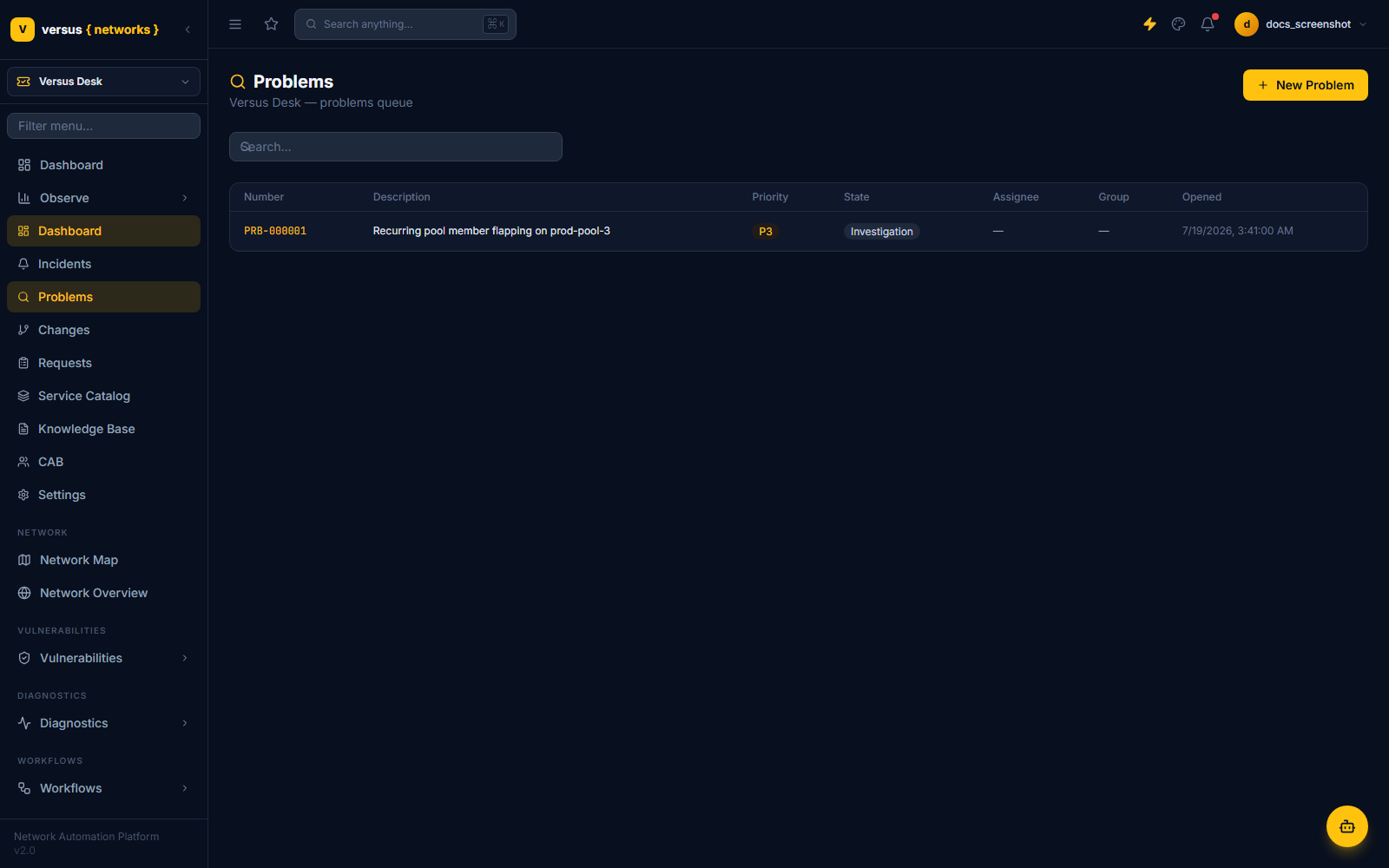
New → In Progress → Fulfilled → ClosedRequests are what the Service Catalog creates when a portal user submits a form — request_ext points at the App Builder submission and mirrors its fulfillment state as the bound workflow runs.
What broke, right now
Why it keeps breaking
What someone asked for
The SLA Engine
SLA tracking is where most ITSM tools get judged, and it's built as a precise, testable mechanism rather than a rough countdown timer. Every ticket that matches an SlaDefinition (matched by ticket type, priority, group, or catalog item — highest precedence wins) gets an SlaInstance per metric: response (stops on the first agent action) and resolution (stops when the ticket reaches Resolved, and re-arms on reopen if configured to).
Due dates are computed against a BusinessCalendar — timezone, weekly hours, holiday list — or run 24×7 if no calendar is attached. The due-date function walks forward through open business segments rather than just adding minutes to a timestamp, so a P2 ticket opened at 6pm on a Friday doesn't silently breach over the weekend.
Entering a configured pause state (like Pending on an incident) stops the clock and resumes it on exit, accumulating pause time rather than resetting it. A 30-second scheduler tick — not a per-ticket timer — checks for tickets crossing their warning threshold or due date. Crucially, escalation is not a separate system: SLA warnings and breaches publish as events into the same Observe alerting/routing layer used for infrastructure alerts, so a breached P1 ticket can notify the same Slack channel or PagerDuty rotation as a failed health check — see Observe Alerting.