Service Catalog, Knowledge Base & CAB
How requests get fulfilled, how known problems become searchable answers, how the Change Advisory Board ceremony fits over the approval engine — and where to configure the plumbing underneath all of it.
Service Catalog — Built on App Builder
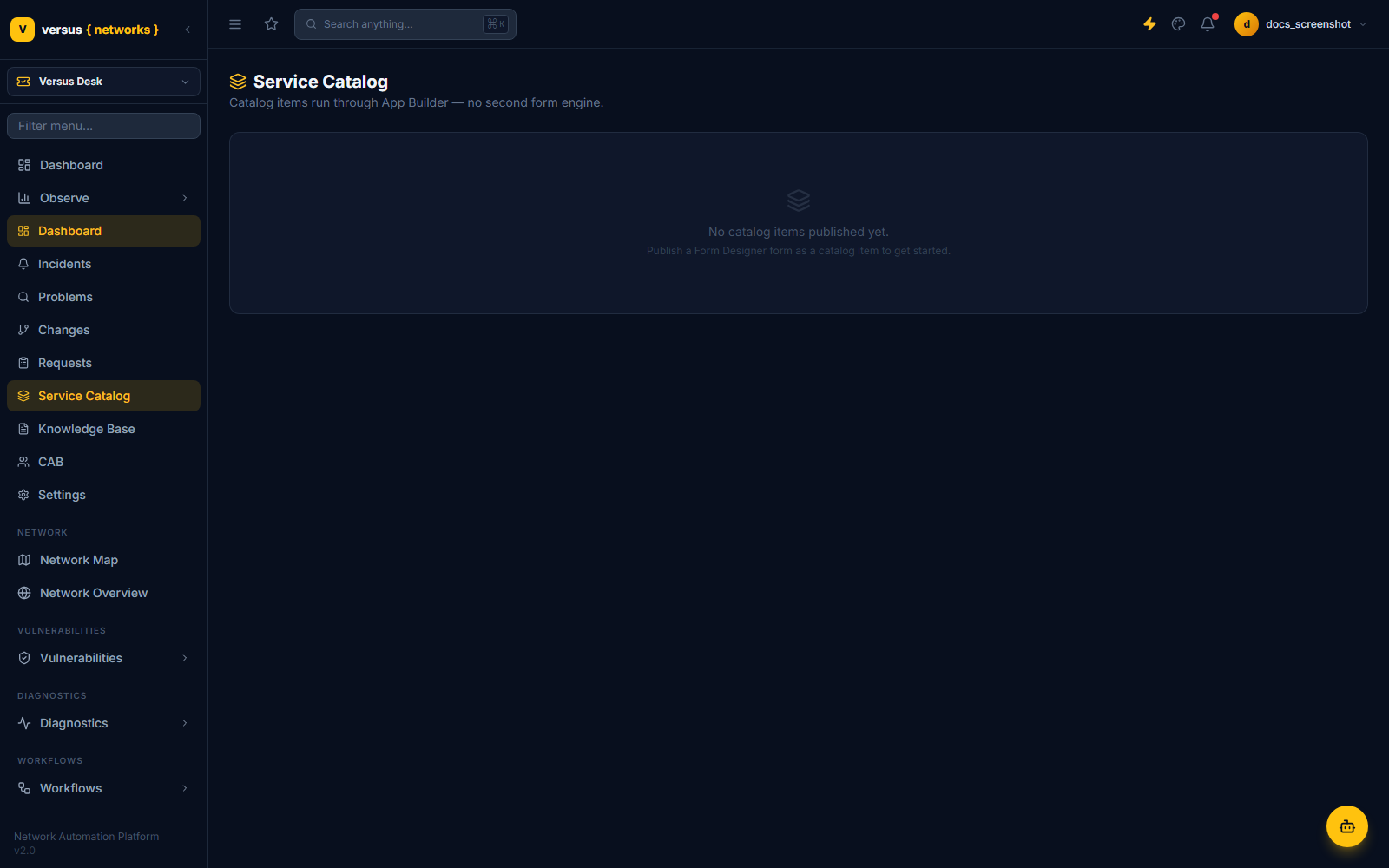
Versus Desk has a hard architectural rule: no second form engine. A CatalogItem is not its own form builder bolted onto ITSM — it's a name, a description, and two foreign keys: an App Builder form ID and a workflow binding ID. The actual form-filling experience end users get is identical to every other App Builder form in Versus, because it is App Builder.
What Happens on Submission
The flow reuses App Builder's existing submission mechanics end to end:
- A portal user submits the catalog item's form, producing an
app_builder_submissionwith a frozenbinding_snapshot— the exact field-to-workflow-input mapping at the moment of submission, immune to later form edits. - Versus Desk creates a
ticket(type='request')plus arequest_extrow that references the submission by ID rather than duplicating its data. - The orchestration engine runs the bound workflow.
fulfillment_statemirrors the run as it progresses. - A failure surfaces as a comment on the request ticket with the run's actual error context — not a generic "something went wrong."
If a catalog item's fulfillment workflow itself needs a manager sign-off, that's not a separate feature — it's the same approval engine covered in Change Management, applied as an approval stage on the request instead of a change. Each catalog item can also override the tenant's default change-gate mode, in case a catalog-driven workflow needs different gating behavior than the same workflow triggered manually.
Knowledge Base
A KbArticle is a markdown document with a lifecycle — draft → published → retired — full-text indexed (Postgres tsvector over title and body) so agents and portal users can search it, and tracked for view_count, helpful, and not_helpful feedback counts. The most useful path into the Knowledge Base isn't manual authoring, though — it's promotion straight out of Problem management.
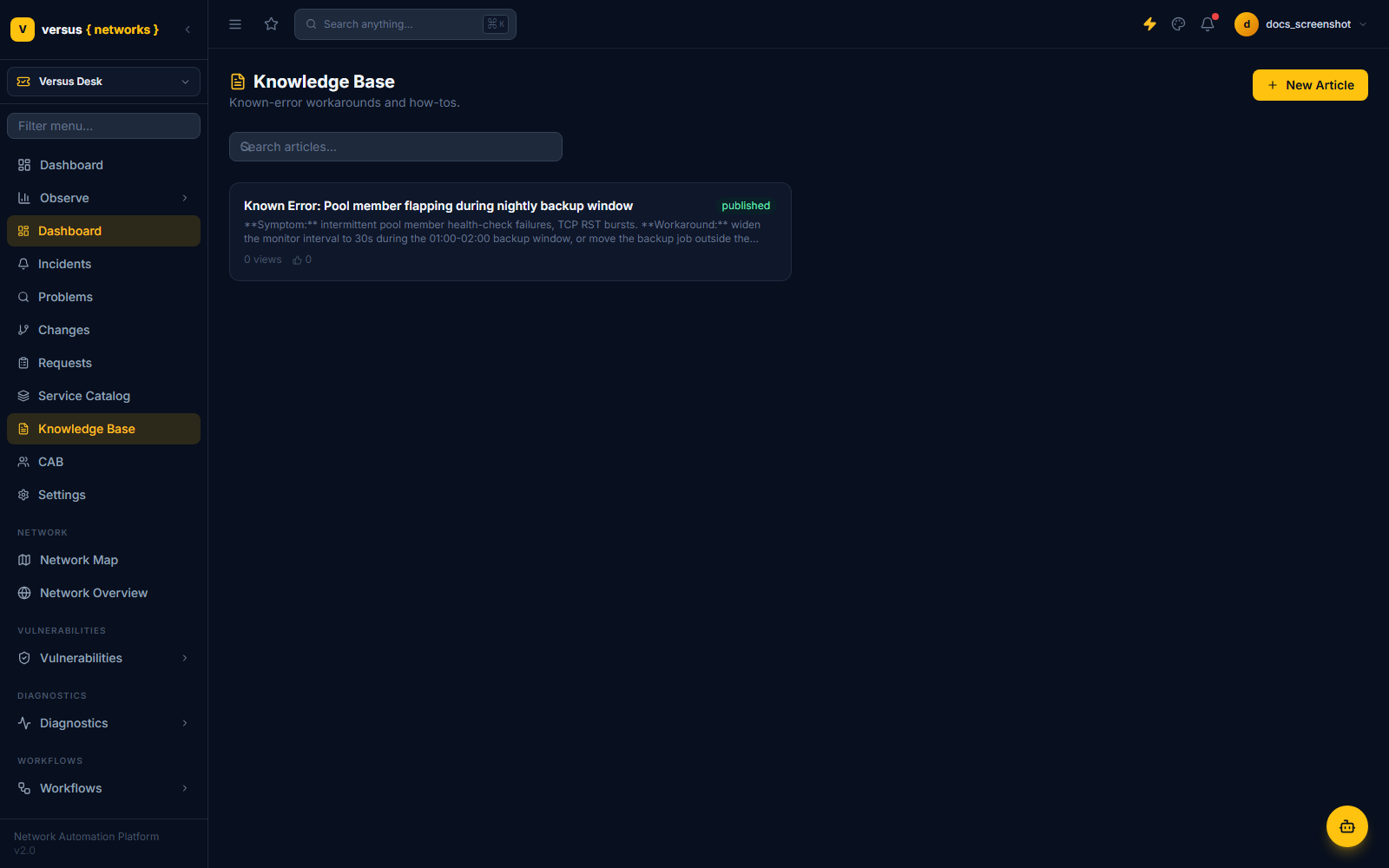
When a Problem is marked Known Error with a documented workaround, that workaround is one action away from becoming a published KB article that references the source problem via source_problem_id. From there, the loop closes: the next agent who picks up a similar incident gets the known-error workaround surfaced automatically by a full-text match against the incident's description and linked CIs, instead of re-diagnosing the same pool-member flap from scratch. See the Problem state machine for how the Known Error state gets there.
Change Advisory Board
A CabMeeting is a meeting artifact, not a control — its agenda is simply the set of changes scheduled in a given approval window, plus minutes and a per-change disposition (approved/deferred/rejected) recorded by whoever chaired it. It exists in the model specifically because enterprise RFPs check for a CAB by name; the thing actually enforcing anything is still the approval engine described in Change Management. Treat the CAB meeting as the ceremony wrapper around decisions the approval chain already made (or is about to make) — not a second gate a change has to separately clear.
Configuring the Plumbing
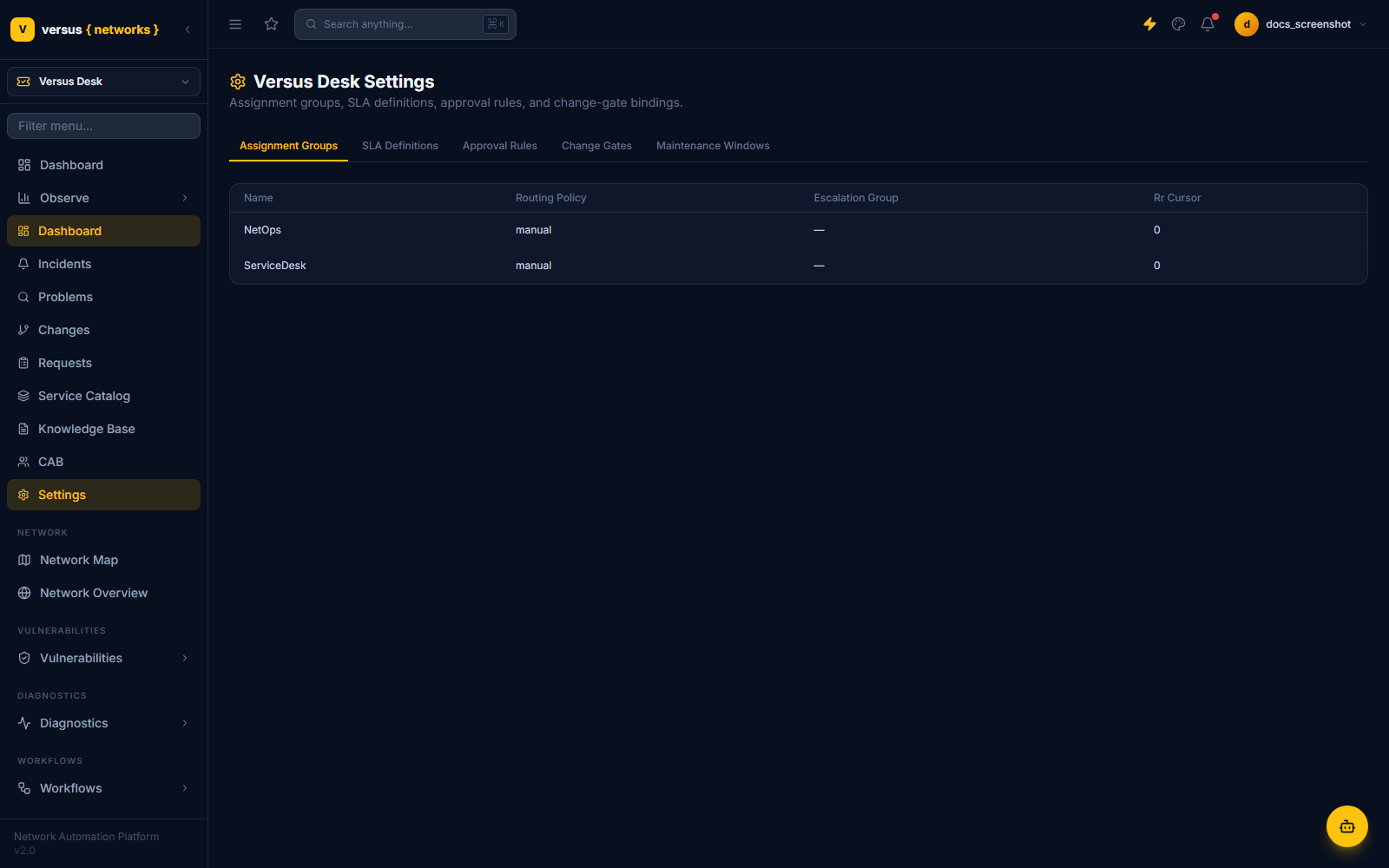
Versus Desk → Settings is where assignment groups, SLA definitions, approval rules, change-gate bindings, and maintenance windows all live, each as a straightforward tab over the underlying table — no hidden config file, no separate admin app.
Assignment Groups
A group has a name, a routing policy (manual, round_robin, or load_based), and an optional escalation group it hands off to. Tickets route to a group, not necessarily a person — individual assignment can happen later, or never, depending on how the team works.
SLA Definitions
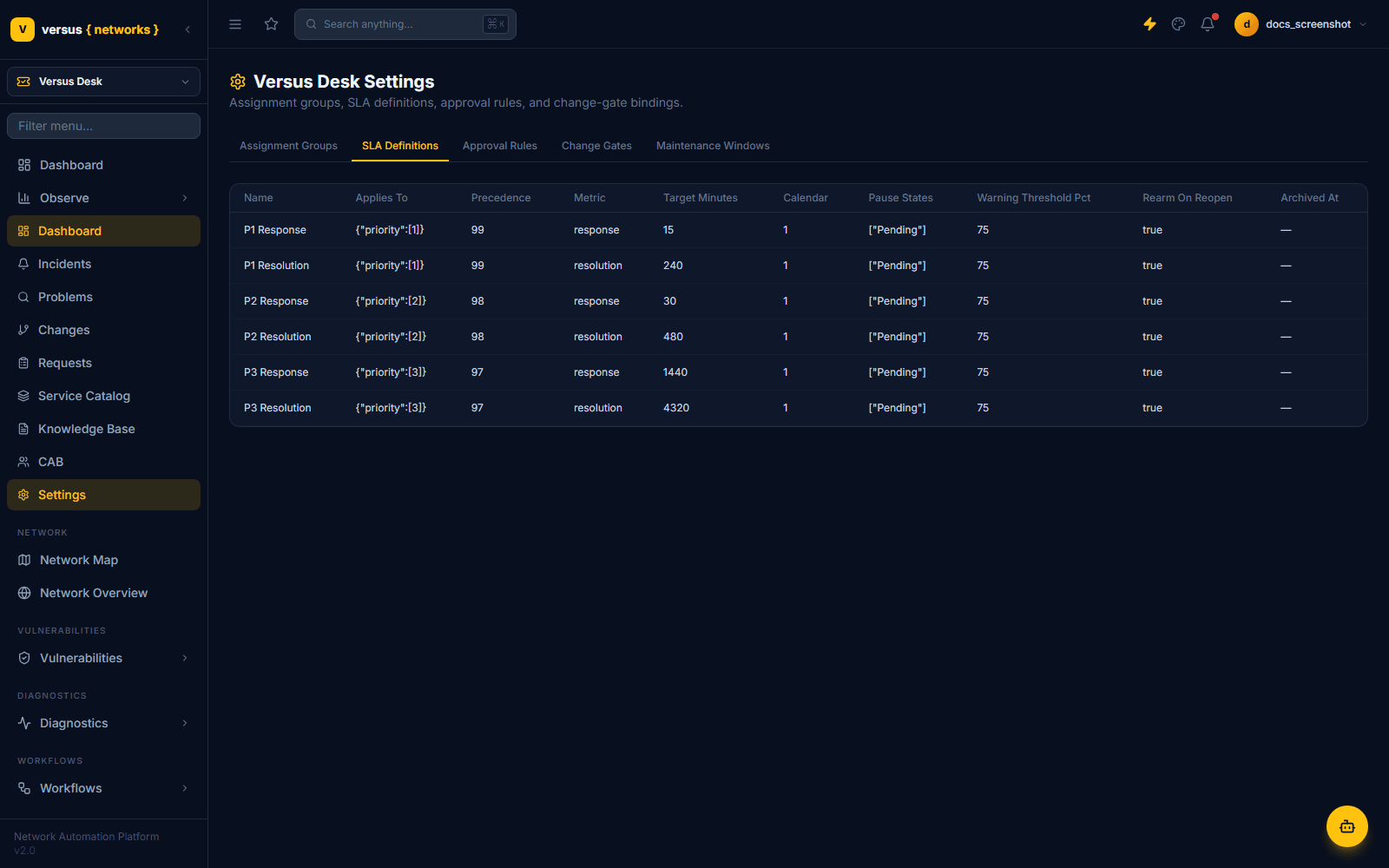
Each row is one metric (response or resolution) for one priority band, with its own target minutes, business calendar, pause states, and warning threshold. The seeded tenant ships the sane default a real deployment would start from — response/resolution targets tightening as priority rises:
Approval Rules
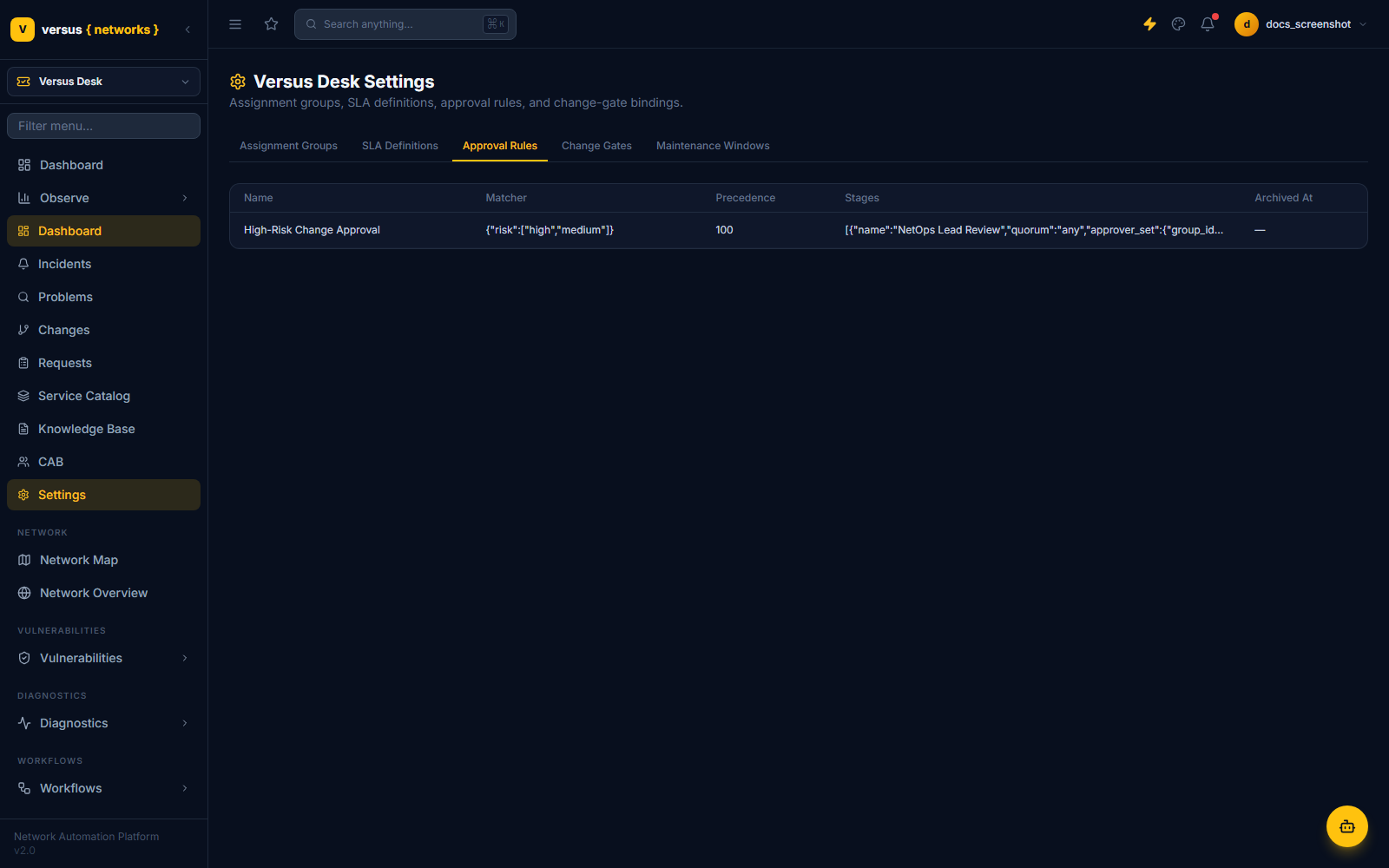
Covered in depth on the Change Management page — this is the same tab whose "High-Risk Change Approval" rule routed CHG-000001 to a NetOps Lead Review stage. Matchers key on change type, risk band, or assignment group; stages are JSON-defined and frozen onto each change's approval instance the moment it's assessed.
Rounding out Settings: Change Gates binds gate mode (off/record/gate/external) per workflow definition, and Maintenance Windows define the recurring or one-off windows changes get scheduled into — both referenced throughout Change Management.
App Builder forms, published as requestable items
Known-error workarounds, full-text searchable
Meeting ceremony over the approval engine