Firewall Change Requests
ServiceNow-gated change management for direct modifications to a rule that already exists — enabling, disabling, or pushing an edited rule to its device — distinct from the multi-firewall Access Request provisioning pipeline.
Overview
Firewalls → Change Requests tracks every direct modification made to an existing firewall rule from within Versus. It is deliberately narrower than Access Requests: there is no path computation, no rule designer, and no policy conflict verification. A change request targets one rule on one device — you already know which rule and which device — and every one of them is gated by a ServiceNow change (CHG) approval before it is allowed to execute.
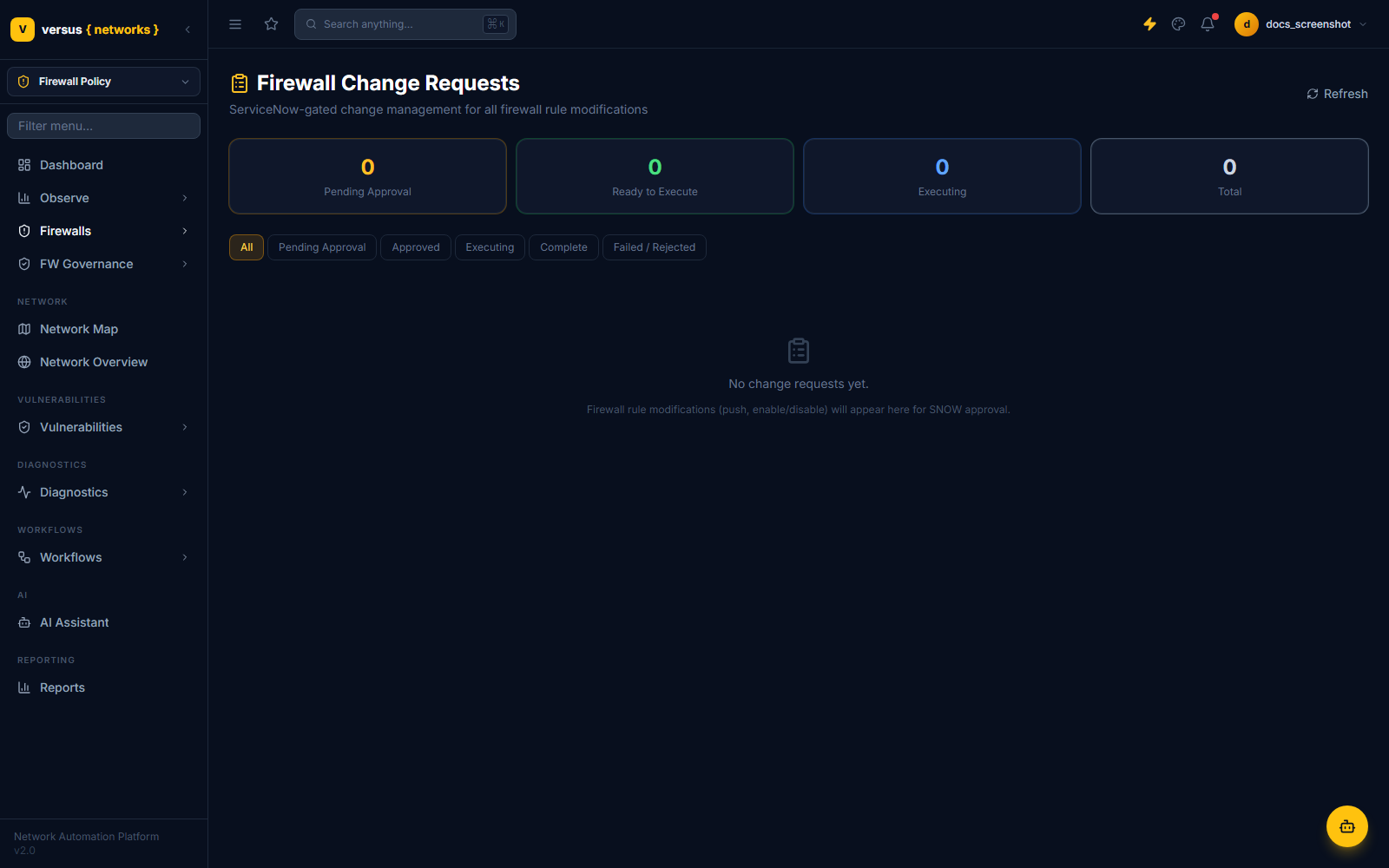
The page header reads "ServiceNow-gated change management for all firewall rule modifications", and the empty state is explicit about what populates this list: "Firewall rule modifications (push, enable/disable) will appear here for SNOW approval."
How a Change Request Gets Created
Change requests aren't created from a form on this page — they're created as a side effect of two actions taken directly on a rule in Firewalls → Firewall Rules:
- Enable / Disable a rule — toggling a rule's enabled state opens a ServiceNow CHG before anything changes on the device.
- Push to device — pushing a rule's current Versus-side state out to the live device (e.g. after editing it) is likewise gated behind a new CHG.
In both cases Versus immediately opens a ServiceNow change record (category Network) before queuing the change locally — the change request starts life waiting on that ticket, not waiting on a local approval click.
Change Request Lifecycle
Each change request moves through these statuses:
| Status | Meaning |
|---|---|
| Creating SNOW CHG | Versus is still creating the ServiceNow change record for this modification |
| Awaiting Approval | The CHG exists in ServiceNow and is waiting on CAB/approver sign-off |
| Approved | ServiceNow reports the change as approved — ready to execute |
| Rejected | ServiceNow reports the change as cancelled or closed without approval — terminal |
| Executing | The rule modification is being applied to the live device |
| Complete | The change was applied successfully and the ServiceNow CHG has been closed with evidence |
| Failed | Execution raised an error; the error detail is recorded on the change request |
The four counters at the top of the list track this lifecycle at a glance: Pending Approval, Ready to Execute (approved, not yet executed), Executing, and Total. The filter tabs below them — All, Pending Approval, Approved, Executing, Complete, Failed / Rejected — narrow the list to one stage of that lifecycle.
Approval Is Re-Checked at Execution Time
ServiceNow is the source of truth for approval, not Versus's locally cached status. Even if a change request already shows Approved in Versus, executing it re-polls ServiceNow's change state first — if ServiceNow no longer reports it approved, execution is refused rather than proceeding on stale local state.
Execution
Once approved, execution applies the specific modification to the device — vendor-specific logic handles the actual API calls (Panorama, Cisco ASA, or NSX), including committing the change where the platform requires an explicit commit. On success, Versus closes the linked ServiceNow CHG and attaches evidence notes; on failure, the change request moves to Failed with the error captured for troubleshooting.
Change Requests vs. Access Requests
Both features are gated by ServiceNow, but they solve different problems — use this table to pick the right one:
| Dimension | Change Requests | Access Requests |
|---|---|---|
| Scope | One existing rule, one device | A traffic flow that may span multiple firewalls |
| Path computation | Not applicable — you already picked the rule and device | Automatic — Versus resolves every firewall in the path |
| Rule design | None — you supply the change | Automatic — Versus computes the candidate rule and insertion point |
| Policy verification | None | Conflict, shadowing, permissiveness, and risk-score checks before approval |
| Approval gate | ServiceNow CHG, always | Versus approval or ServiceNow CHG, after reaching Verified |
| Typical trigger | Enable/disable a rule, or push an edited rule to its device | A new business request for access that doesn’t exist yet |