Self-Healing: Detected Issues & Support Bundles
Versus watches itself — unhandled exceptions and internal inconsistencies are caught, deduplicated, and surfaced under System → Self-Healing, where you can assemble a redacted, signed support bundle and send it to Versus Support without leaving the app.
This feature is specified as VS-SPEC-SELFHEAL-001. It has two parts: a Sentinel that detects and records issues, and a support bundle pipeline that assembles, redacts, signs, and transmits diagnostic data about a specific issue to Versus Support.
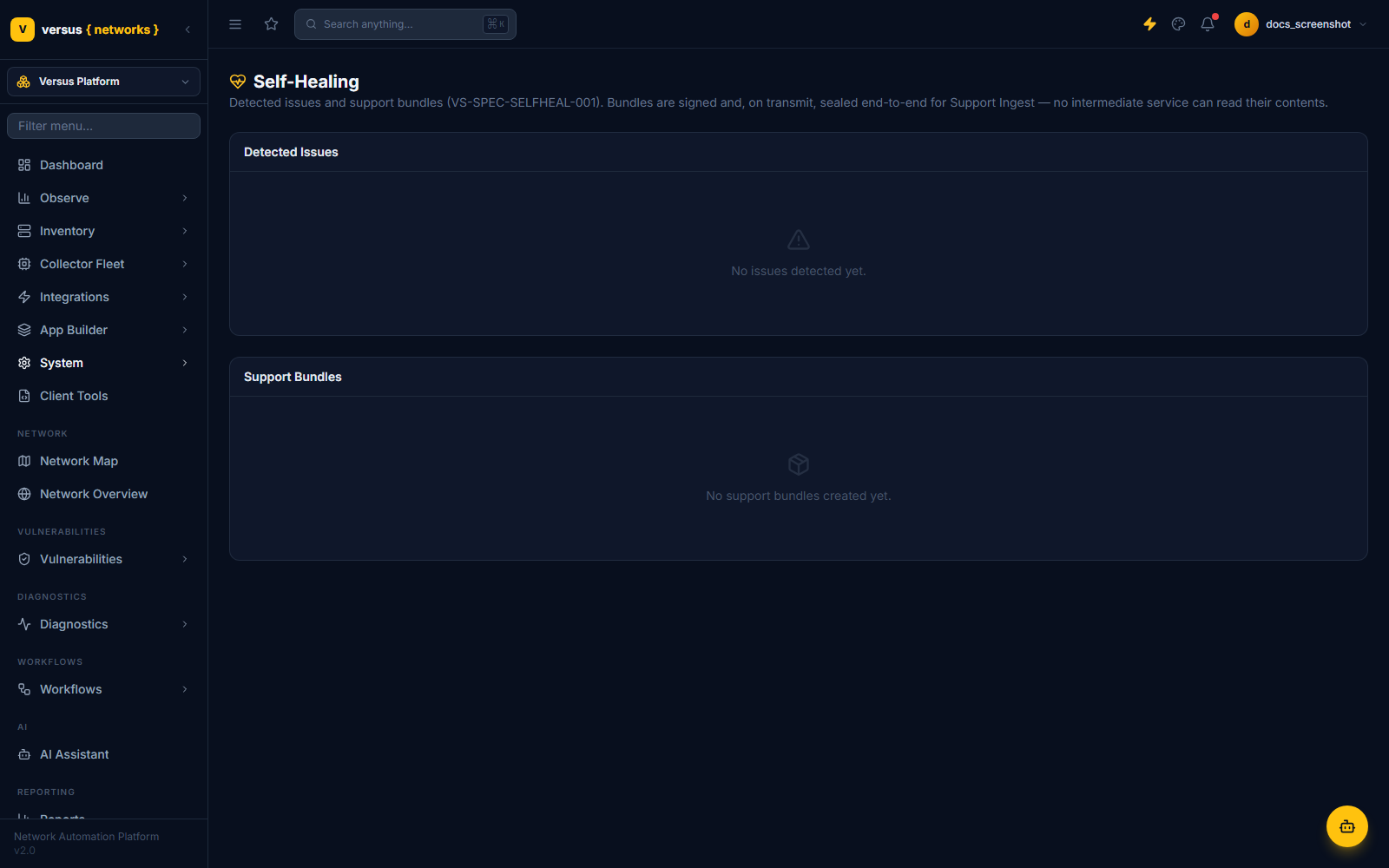
Detected Issues
A Sentinel middleware catches unhandled exceptions escaping any view and records them as a crash-class issue before Django's normal error handling continues — nothing about the request fails differently because Self-Healing is watching. A separate invariant checker runs periodically and records data_inconsistency issues for problems like a stuck task dispatch or a stale device lease. Four other issue classes exist in the data model (degradation, integration_failure, migration_failure, security) but aren't wired to a detector yet.
Each issue is fingerprinted from its class, component, and normalized signature, so a recurring fault accumulates as one issue with an occurrence count and a last-seen time rather than flooding the list with duplicates. Severity is critical, high, medium, or low.
An issue moves through open → bundled (once a support bundle references it) → transmitted (once that bundle is sent) → resolved. If a resolved issue's fingerprint recurs, it automatically reopens.
This is also how an upgrade fails safe: if a new build throws an unhandled exception after you upgrade, it's caught here as a crash issue — so a regression surfaces (and can be bundled to Support) rather than hiding in a log. See Lifecycle Management → Self-healing upgrades.
Support Bundles
A support bundle packages diagnostic context about an issue into a signed archive you can inspect, download, or transmit to Versus Support. Creating one assembles up to five sections, gated by the redaction level you choose:
Assembly collects:
- identity — a one-way hash of your instance's secret key (used as a stable instance ID), deployment mode, and version info.
- environment — debug/host configuration and which integration types are connected (not their credentials).
- incident — the detected issue's detail: class, severity, component, signature, occurrence count.
- telemetry — reserved for a future phase; not populated yet.
- state — issue counts broken down by class and severity.
Everything is packed into a compressed archive alongside a manifest listing exactly what was included.
| Level | Sections included |
|---|---|
full | identity, environment, incident, telemetry, state |
sanitized (default) | identity, environment, incident, state — telemetry excluded |
minimal | identity, incident only |
Independent of the level you pick, every collected field is scrubbed for secret-shaped content — anything keyed like a password, token, API key, credential, or session ID is replaced with [REDACTED], and values that look like opaque long tokens, PEM blocks, or JWTs are caught by pattern as well.
- Inspect opens the bundle's manifest as JSON, so you can see exactly what would be sent before you send it.
- Download gets you the raw archive, if you'd rather hand it to Support out of band.
- Transmit sends it to Support Ingest directly from Versus and marks the bundle (and its issue) as transmitted.
Signing and Sealing
Two independent cryptographic layers protect a bundle, using a dedicated Ed25519/X25519 signing key pair generated per Versus instance the first time Self-Healing runs:
- Signing (authenticity) — the archive is signed with your instance's Ed25519 key the moment it's created. The signature and key ID travel with the bundle so Support can verify it genuinely came from your instance and wasn't altered.
- Sealing (confidentiality) — at transmit time, the archive is additionally sealed with authenticated encryption (X25519 key exchange + AES-256-GCM) against Support Ingest's public key, so only Support Ingest can decrypt the contents — not any intermediate network hop or service in between.
Transmission to Support Ingest
Transmit performs a direct HTTPS call from your Versus instance to Support Ingest, carrying the sealed archive plus enough metadata (fingerprint, severity, version, instance ID, issue class, a manifest summary) for Support to triage without opening the bundle first. It requires Support Ingest connection settings to be configured; if the target device or network can't be reached, the bundle's transmit status is marked failed with the error recorded, and you can retry once the issue is resolved.
Quick Reference
| Item | Detail |
|---|---|
| Spec | VS-SPEC-SELFHEAL-001 |
| Issue classes wired today | crash (unhandled exceptions), data_inconsistency (stuck dispatches, stale leases) |
| Issue severities | critical, high, medium, low |
| Issue status flow | open → bundled → transmitted → resolved (reopens on recurrence) |
| Redaction levels | full, sanitized (default), minimal |
| Bundle actions | Create, Inspect, Download, Transmit |
| Signing | Ed25519, per-instance key, applied at bundle creation |
| Sealing | X25519 + AES-256-GCM, applied at transmit time, decryptable only by Support Ingest |