F5 BIG-IP GTM → EfficientIP GSLB Migration
Migrate F5 GTM Wide IPs — or LTM virtual servers — to EfficientIP GSLB Applications, tracked through five phases: Discover, Translate, Load into EIP, Validate, and Cutover.
Discover
Translate
Load into EIP
Validate
Cutover
Prerequisites
- The F5 BIG-IP source device in Versus Device Inventory, reachable via iControl REST — with either the GTM/DNS module licensed and Wide IPs configured, or LTM virtual servers you intend to migrate directly.
- An EfficientIP appliance added to Versus and configured as an EfficientIP Target — required before a plan can move past the Discover phase.
Navigate to Application Migration and select the F5 → EIP GSLB Plans tab (distinct from the ADC / GTM Plans tab used for AVI migrations).
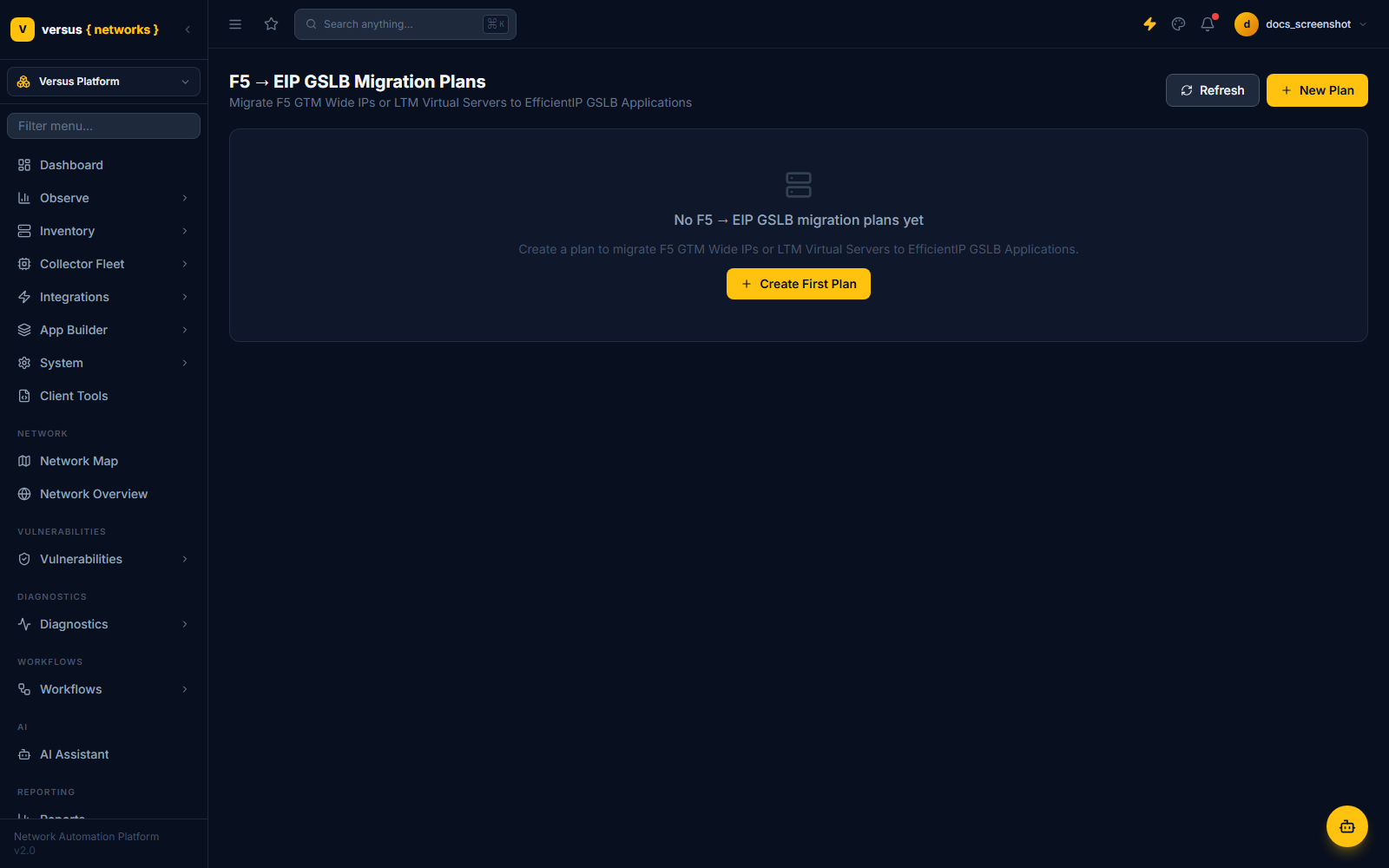
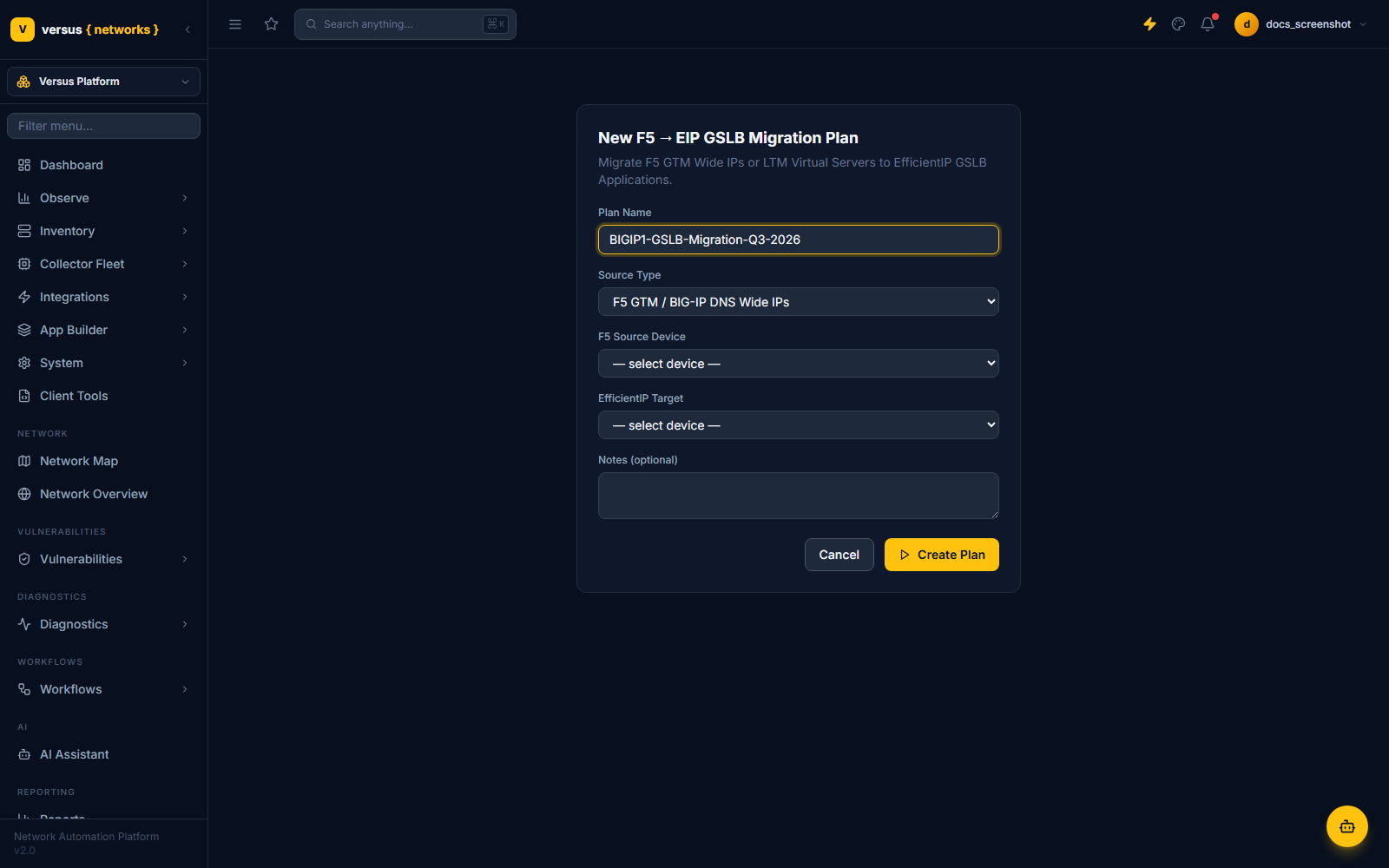
Click Create First Plan (or New Plan) and fill in:
- Plan Name
- Source Type — either
F5 GTM / BIG-IP DNS Wide IPsorF5 LTM Virtual Servers. - F5 Source Device
- EfficientIP Target
- Notes (optional)
Versus pulls candidate objects from the F5 source — Wide IPs (with pool members resolved to IPs) if the source type is GTM, or eligible virtual servers if the source type is LTM. Select which candidates to include in the plan; for LTM sources, each candidate is flagged eligible or not based on its configuration.
Each selected item is translated into a projected EfficientIP GSLB Application: record type (A/AAAA/CNAME), target GSLB zone, and the member pool (IP, weight, name) carried over from the F5 side.
Translated objects are created on the EfficientIP appliance via its API. Each item's load status and any load errors are tracked individually, so a single failed object doesn't block the rest of the plan.
Versus compares the newly-created EfficientIP GSLB Applications against the source F5 objects to confirm parity before any traffic decision moves — this is a read-only check, not a cutover.
Cutover is a deliberate two-step sequence, not a single switch:
- Lower DNS TTL — reduces the TTL on the source records ahead of time, so the eventual cutover propagates quickly.
- Execute Cutover — repoints resolution to the EfficientIP GSLB Applications. The plan is marked Completed once this step is confirmed.
Quick Reference
| Phase | What Happens | Traffic Impact |
|---|---|---|
| 1 — Discover | Pull Wide IPs or eligible LTM VSes from the F5 source | None |
| 2 — Translate | Project EfficientIP GSLB Application objects | None |
| 3 — Load into EIP | Create objects on the EfficientIP appliance via API | None |
| 4 — Validate | Confirm parity between EIP and the F5 source | None |
| 5 — Cutover | Lower TTL, then repoint resolution to EfficientIP | DNS propagation window |