Secret Vault
An encrypted, versioned credential store — with device enrollment, exclusive checkouts for privileged secrets, automated rotation, and a dual-control break-glass workflow for revealing a secret's plaintext value.
Overview
The Secret Vault workspace is Versus's built-in credential store — an encrypted, versioned secret backend that can hold device credentials, API keys, and other sensitive values, with the access-control, checkout, rotation, and break-glass reveal machinery needed to run it as your credential source of truth rather than a convenience cache.
The workspace is organized into five views, all reachable from the Secret Vault entry in the left navigation:
- Secrets — the versioned secret inventory: every path, which mount it lives in, its current version, and whether it's checked out
- Enrollments — migrates a device's existing credentials into the vault so Versus reads them from vault at runtime instead of from the device record
- Checkouts — the exclusive-lease board for privileged secrets: who has a secret checked out, when it's due back, and force-release for admins
- Rotation — dashboards and policies for scheduled and manual credential rotation, including live rotation against the device itself for supported vendors
- Reveals — the dual-control, break-glass workflow required to expose a secret's plaintext value to a human, plus the full audit trail of every request
Every read, write, checkout, rotation, and reveal is written to the audit log, tagged with the actor, the path, and the mount.
Secrets
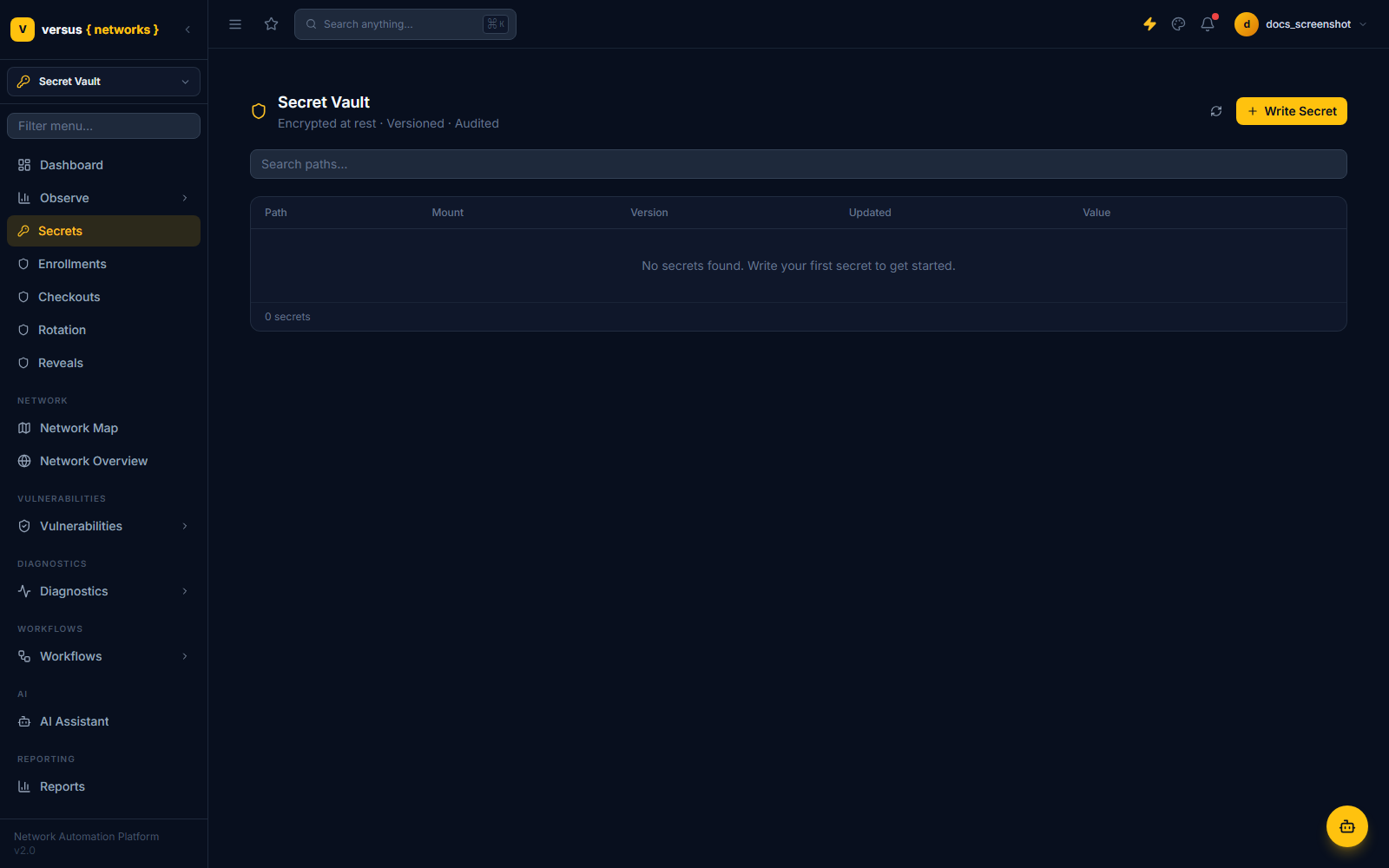
The Secrets view lists every secret path in the selected mount: Path, Mount, Version, Updated, and Value (always masked — this is a list view, never a plaintext view). Use Search paths to filter, and Write Secret to create a new one.
Two things shape how a secret behaves elsewhere in the workspace:
- Secret class —
standardorprivileged. Onlyprivilegedsecrets can be checked out (see Checkouts below); standard secrets are read via short-lived leases instead. - Mount / driver type — where the secret actually lives. Versus ships a
nativedriver (secrets stored encrypted in Postgres) and ahashicorpdriver (proxies to an external HashiCorp Vault mount).cyberarkandawssmexist as mount type options in the schema but have no working driver yet — selecting either currently raises a "not yet implemented" error rather than connecting.
Each secret is versioned: every write creates a new secret version and marks it current, so prior versions remain available for rollback or audit without being overwritten in place.
Enrollments
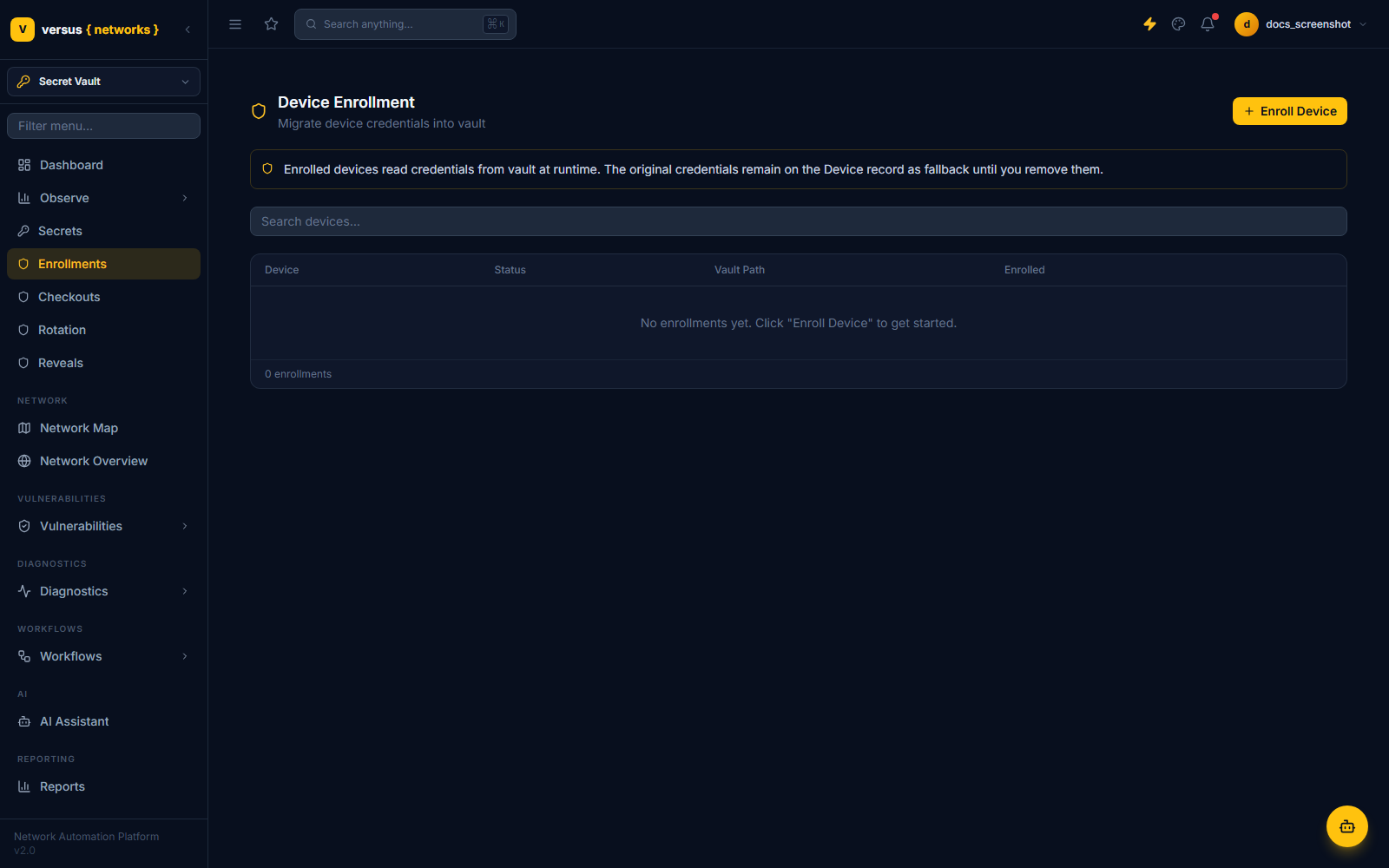
Device Enrollment migrates a device's existing credentials — the username/password already stored on the device record, and its SSH credential if one is set — into the vault, writing them to a per-device credential path (and a separate SSH credential path when applicable). Once enrolled, the device switches to reading its credential from vault at runtime, and every subsequent read — discovery, workflow execution, rotation — resolves the credential from vault rather than from the device record.
The original credential on the device record is not deleted on enrollment — it remains as a fallback until explicitly removed, and unenrolling a device simply reverts it to that fallback without destroying the vault secret (it's kept for audit/rollback). The Verify action re-reads the enrolled path from vault and confirms it deserializes correctly, without exposing the value.
The list shows Device, Status (Enrolled / Unenrolled / Failed), Vault Path, and Enrolled (date). Enrollment is an admin-level action.
Checkouts
Checkouts apply only to privileged-class secrets and implement an exclusive lease: at most one active checkout can exist on a given secret at a time. Requesting a checkout on a secret that's already checked out returns a conflict naming the current holder and their due-back time; requesting one on a standard-class secret is rejected outright.
A checkout has a duration — the caller can request one, but it's capped by the secret's own checkout policy (default one hour if the policy sets none). Checking a secret back in releases the lock; if the secret (or its rotation policy) is configured to rotate on check-in, check-in triggers a rotation before the lock is released — and if that rotation fails, the checkout stays active and the credential is left unchanged rather than releasing a lock over a half-rotated secret.
Admins can force-release an active checkout — this always triggers a mandatory rotation of the secret as part of the release, regardless of the secret's own rotate-on-checkin setting, since the point of a forced release is to invalidate whatever the previous holder had.
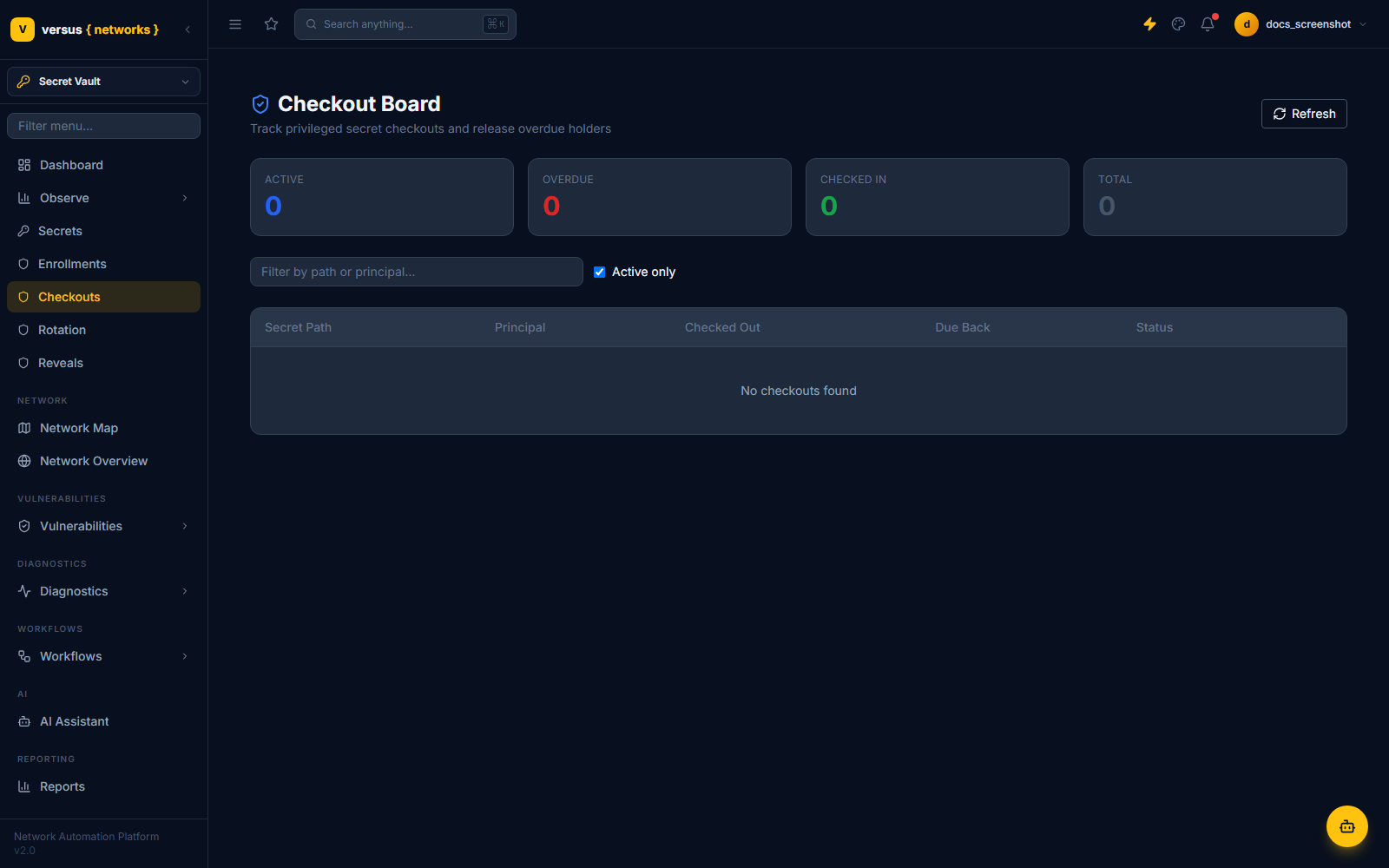
The Checkout Board shows four live counters — Active, Overdue, Checked In, Total — plus a filterable table of Secret Path, Principal, Checked Out, Due Back, and Status, with an "Active only" toggle.
Rotation
Rotation can run two ways: scheduled, via a rotation policy's configured interval (which also carries the rotate-on-checkin / rotate-on-reveal flags used by the Checkouts and Reveals flows above), or manual, triggered on demand against a specific secret.
For a device-backed secret, rotation is two-phase and verified before it commits: Versus generates a new random credential, pushes it to the device using a vendor-specific credential changer, and verifies the new credential actually authenticates before writing it as the new vault version. If verification fails, Versus attempts to restore the old credential on the device and raises an error — the vault's current version is never advanced past a credential that isn't confirmed working. Device-side rotation is currently implemented for:
| Vendor | Method |
|---|---|
| Palo Alto PAN-OS | XML/REST management API |
| Cisco IOS-XE / IOS / IOS-XR | SSH configuration session |
| A10 Networks ACOS (Thunder) | aXAPI v3 |
| Radware Alteon | REST configuration API |
A secret on a device from an unsupported vendor is flagged for manual rotation instead of being silently skipped. Non-device secrets are simply rotated in place — a new value is generated and written as a new version. The scheduled sweep skips any secret that's currently checked out and defers it until check-in, rather than rotating out from under an active checkout.
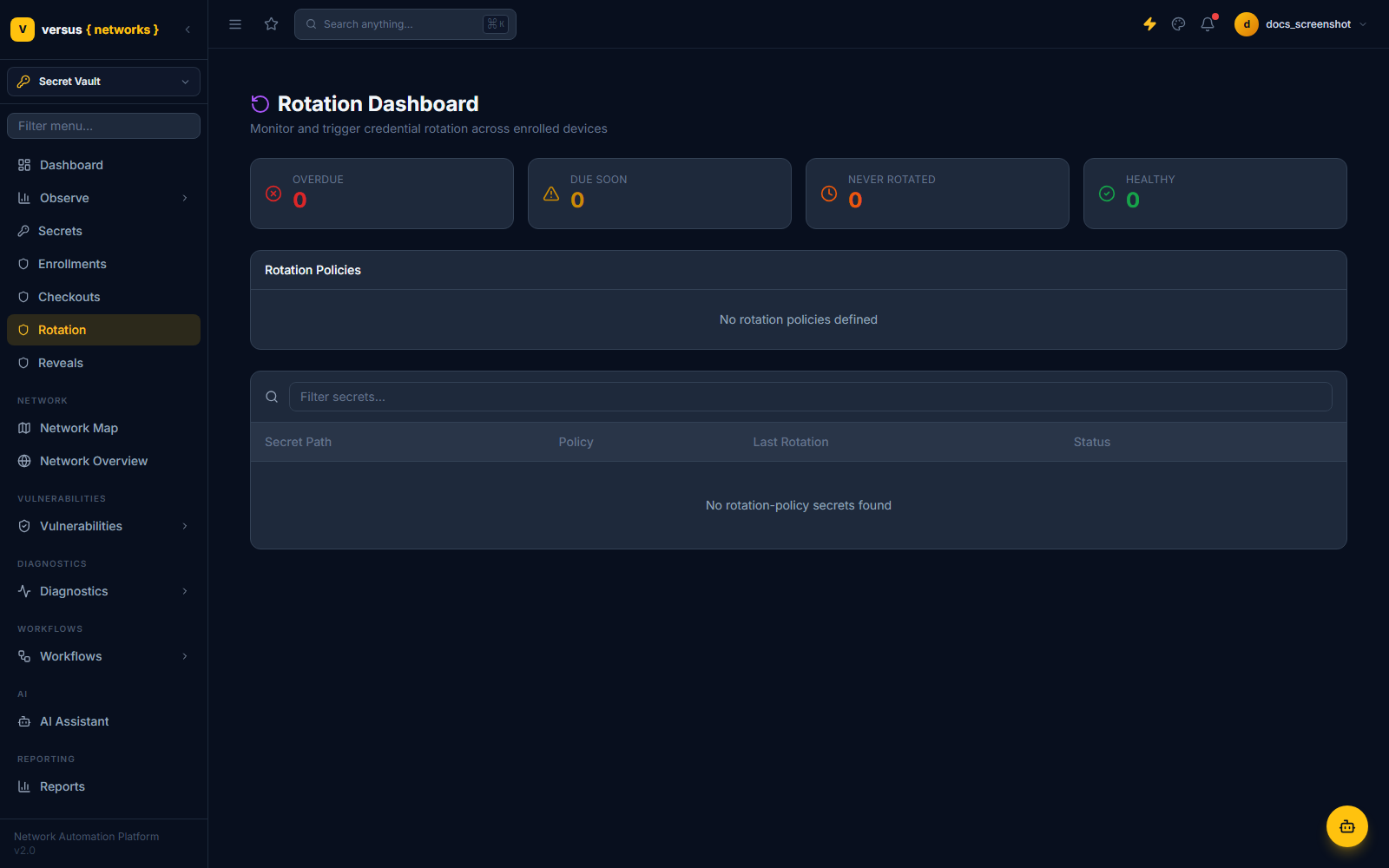
The Rotation Dashboard shows four counters — Overdue, Due Soon, Never Rotated, Healthy — a Rotation Policies panel, and a secrets table with Secret Path, Policy, Last Rotation, and Status.
Reveals (Break-Glass)
Reveals is Versus's dual-control workflow for exposing a secret's actual plaintext value to a person — distinct from a checkout, and required regardless of secret class. The flow has four steps:
A user requests a reveal on a specific secret, with a free-text reason. This creates a pending reveal request.
A second, different user reviews the request. Self-approval is explicitly blocked — the requester cannot also be the approver. Approval issues a one-time token valid for 5 minutes.
The original requester exchanges that token for the secret's value, exactly once. The token cannot be reused; a second attempt, or one made after the 5-minute window, fails.
If the secret's rotation policy has rotate-on-reveal set, Versus automatically rotates the secret immediately after the value is consumed, so a revealed credential doesn't stay live indefinitely just because it was looked at.
Every stage — request, approval, denial, consumption, and expiry — is written to the audit trail with the actor's identity and timestamp.
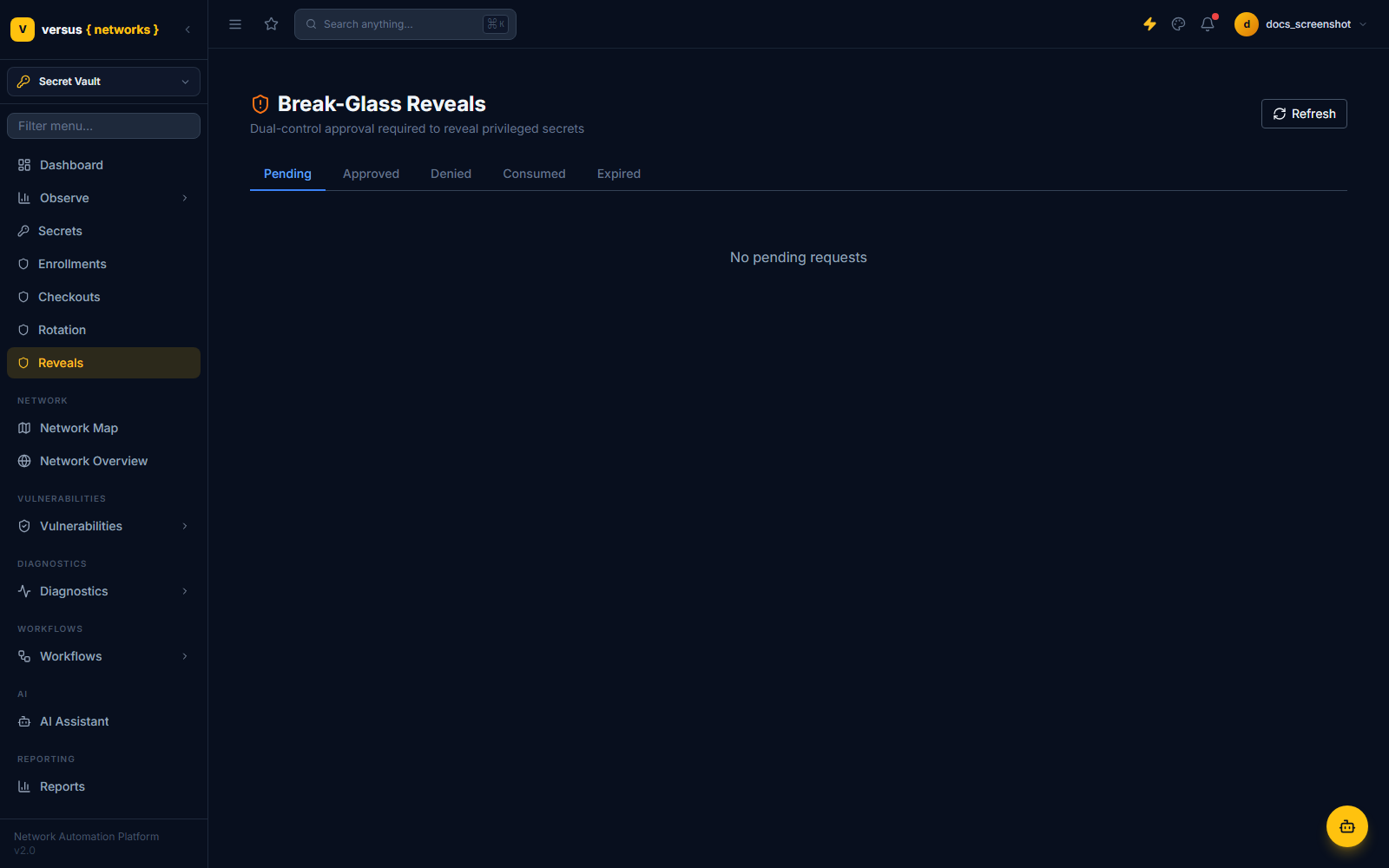
The Break-Glass Reveals view is organized into Pending, Approved, Denied, Consumed, and Expired tabs. This is a metadata view — requester, approver, secret path, status, and timestamps — never the secret value itself.
Access Model
Access to vault paths is governed by capability-based path policies: a role is granted one or more of read, list, write, delete, manage, checkout, rotate, reveal, or approve against a path pattern. Users at the platform's top permission level hold every capability by default; everyone else's capabilities are the union of whatever path policies match their role.
Machine/service access uses a separate app principal mechanism (client-credentials bearer tokens, issued via a token exchange endpoint) rather than a human login. App principals are permanently barred from three capabilities — checkout, reveal, and approve — and from four path prefixes — device, CLM, SNMP, and integrations paths — no matter what a path policy grants them. That restriction cannot be overridden by configuration.
Quick Reference
| View | Nav Path | What it needs |
|---|---|---|
| Secrets | Secret Vault → Secrets | read / write / list capability on the path |
| Enrollments | Secret Vault → Enrollments | Network Admin |
| Checkouts | Secret Vault → Checkouts | checkout capability (force-release requires manage) |
| Rotation | Secret Vault → Rotation | rotate capability (policy management is Network Admin) |
| Reveals | Secret Vault → Reveals | reveal capability to request; approve capability (a different user) to approve |