IPAM / DDI Integration
A dedicated workspace for IP address management and DDI — networks, addresses, DNS zones, and DNS servers in one place, kept in sync with Infoblox, BlueCat, EfficientIP, phpIPAM, or NetBox.
Switch to the IPAM / DDI workspace from the workspace selector in the top-left of the sidebar. It gives you a single, normalised view of address space and DNS across every connected IPAM platform — a Dashboard for utilisation at a glance, dedicated Networks and IP Addresses browsers, DNS Zones and DNS Servers management, and an IPAM Connections page for wiring up the source platforms themselves.
Supported Platforms
Five IPAM/DDI platforms are supported. Each uses a different authentication method and API surface; Versus normalises them into the same Networks, IP Addresses, and DNS views.
- Infoblox NIOS / Infoblox Cloud — REST API (WAPI) with HTTP Basic auth or an API token.
- BlueCat Address Manager — REST API authenticated with a BAM auth token and a target Configuration name.
- EfficientIP SOLIDserver — REST API authenticated with username and password against your SOLIDserver host.
- phpIPAM — REST API authenticated with a session token obtained from your phpIPAM app credentials.
- NetBox — REST API authenticated with a NetBox API token. Works with self-hosted and NetBox Cloud instances.
Workspace Tour
Dashboard
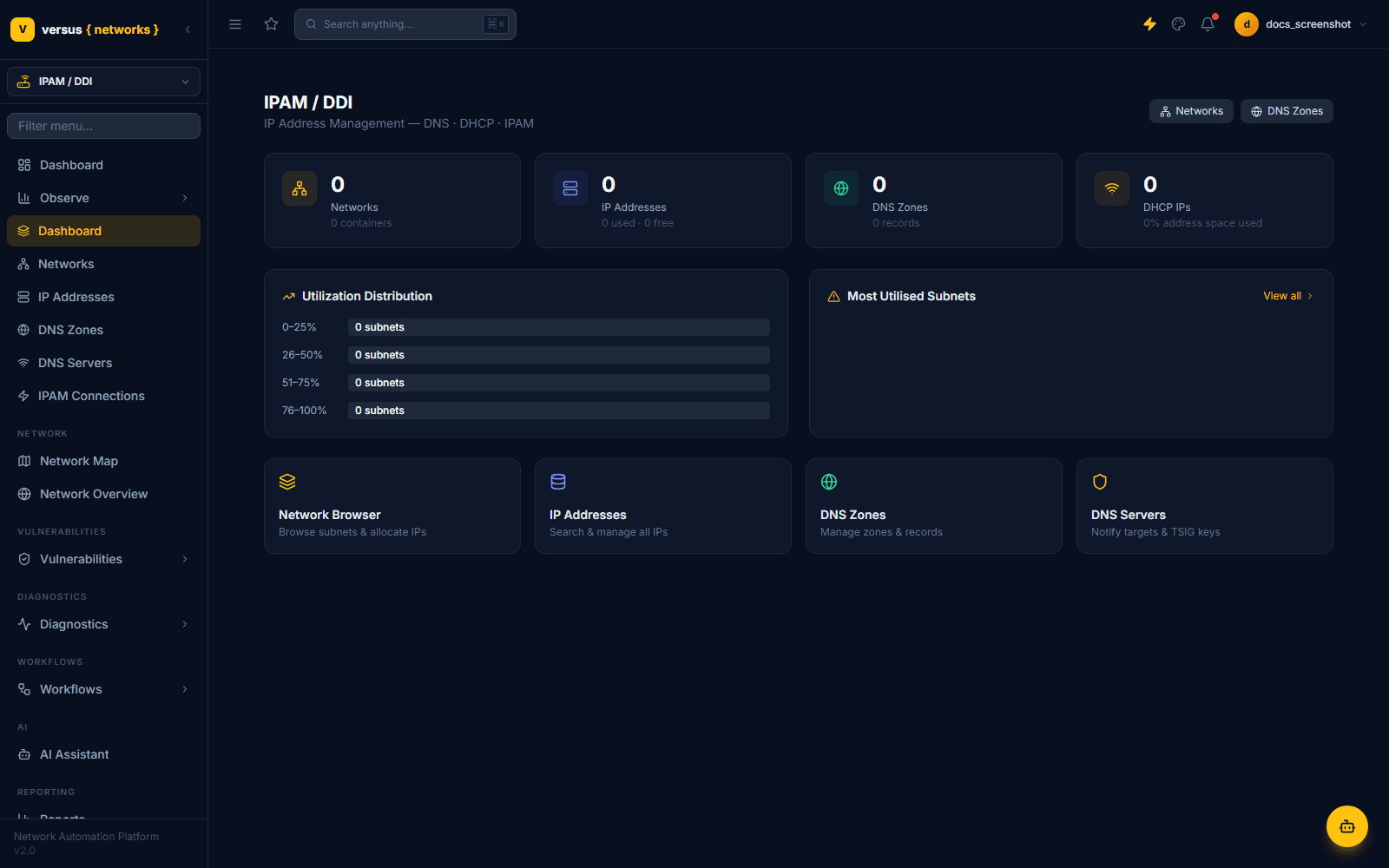
The workspace landing page. It rolls up network and address counts, DNS zone and DHCP IP totals, a utilisation distribution across your discovered subnets, and shortcuts into the Network Browser, IP Addresses, DNS Zones, and DNS Servers views.
Networks
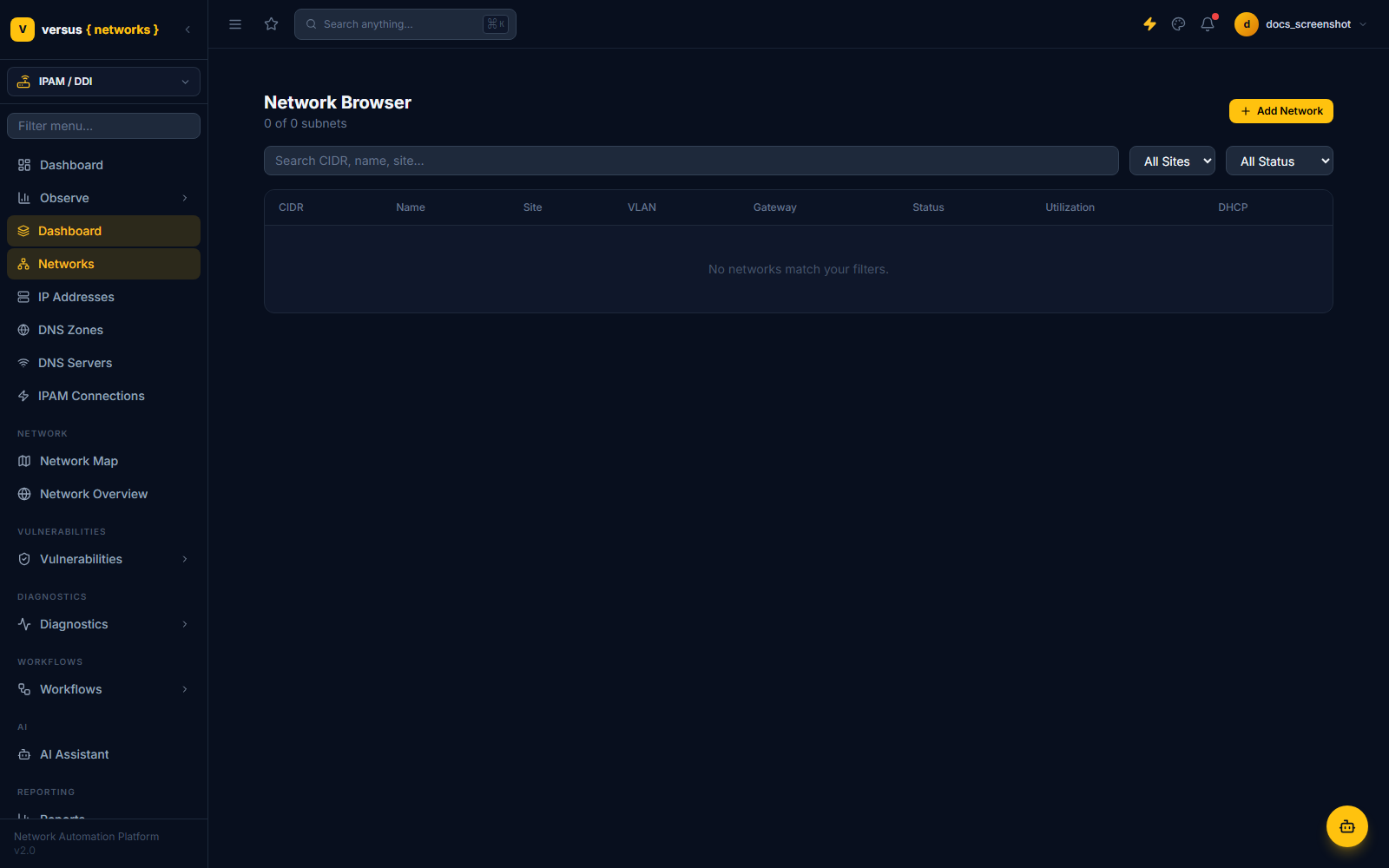
The Network Browser lists every discovered subnet with its CIDR, name, site, VLAN, gateway, status, utilisation, and DHCP configuration. Filter by site or status, or search by CIDR or name. Networks can also be added manually with Add Network alongside anything discovered from a connected IPAM source.
IP Addresses
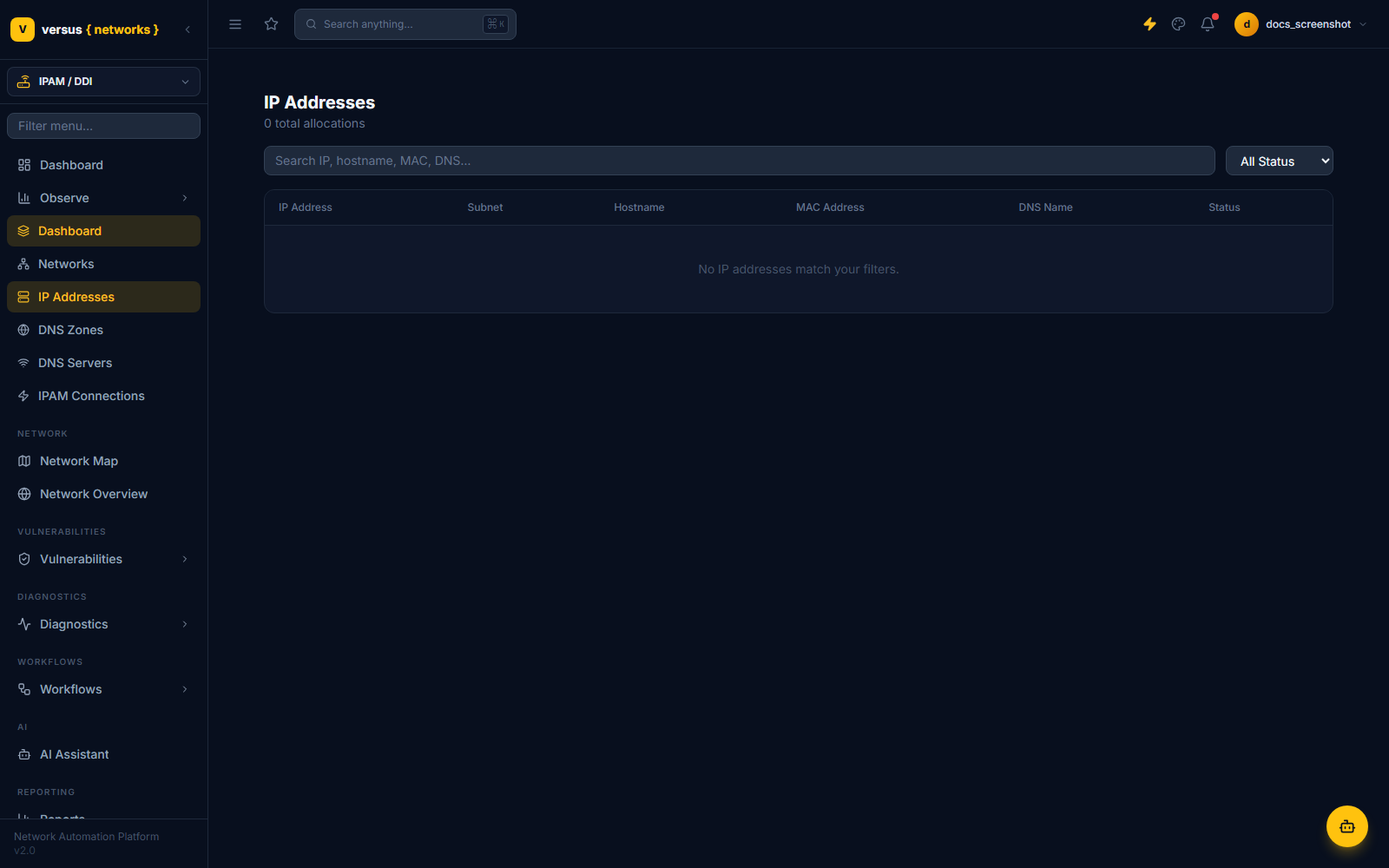
Search and manage individual IP address records across every network — assignment status, hostname, MAC address, and which subnet each address belongs to. This is the same address inventory the Allocate VIP workflow step draws from during a migration.
DNS Zones
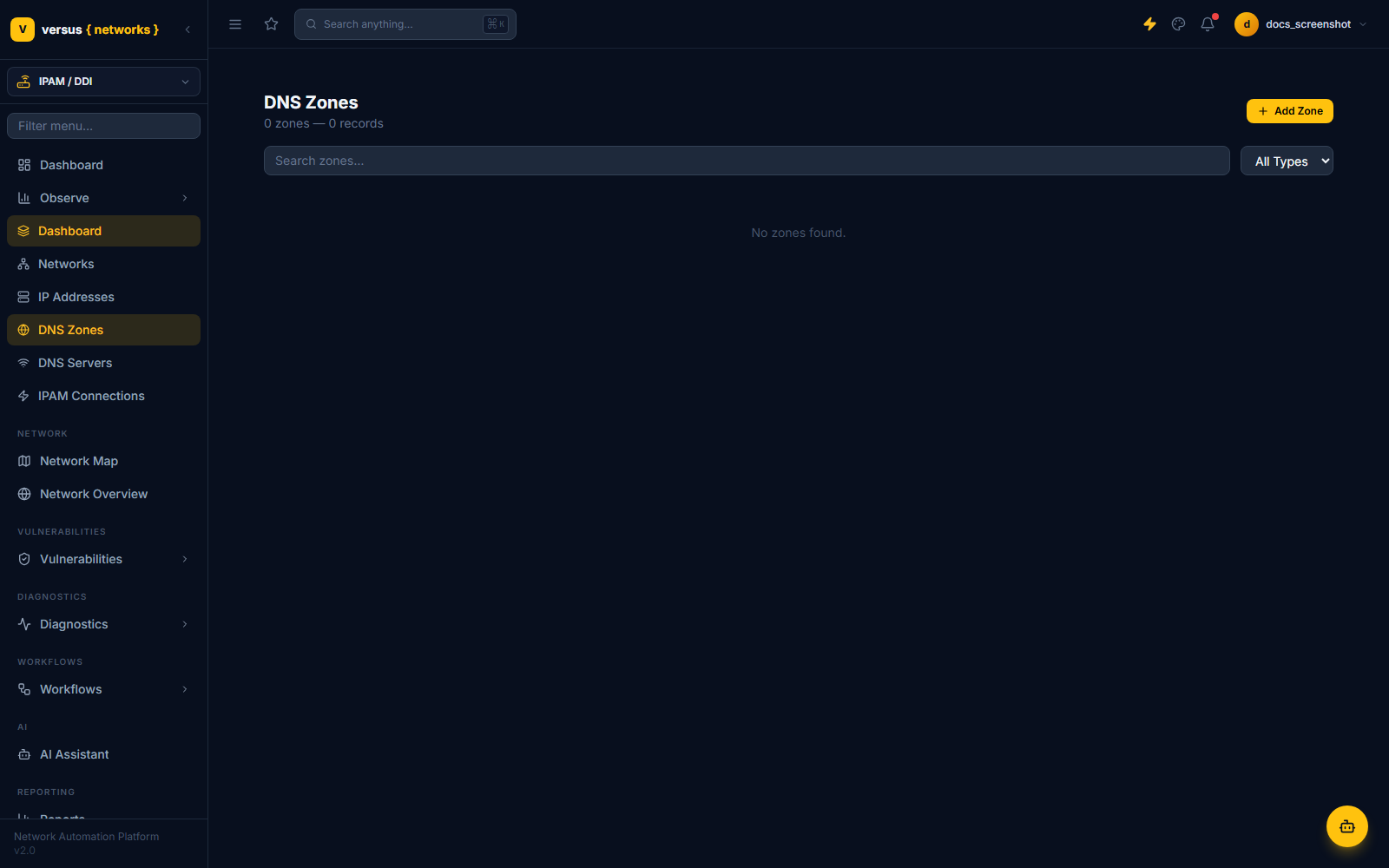
Manage forward and reverse DNS zones and their records. Zones synced from a connected IPAM platform are read-only mirrors of the source of truth; zones added directly in Versus can be edited and pushed back where the platform supports it.
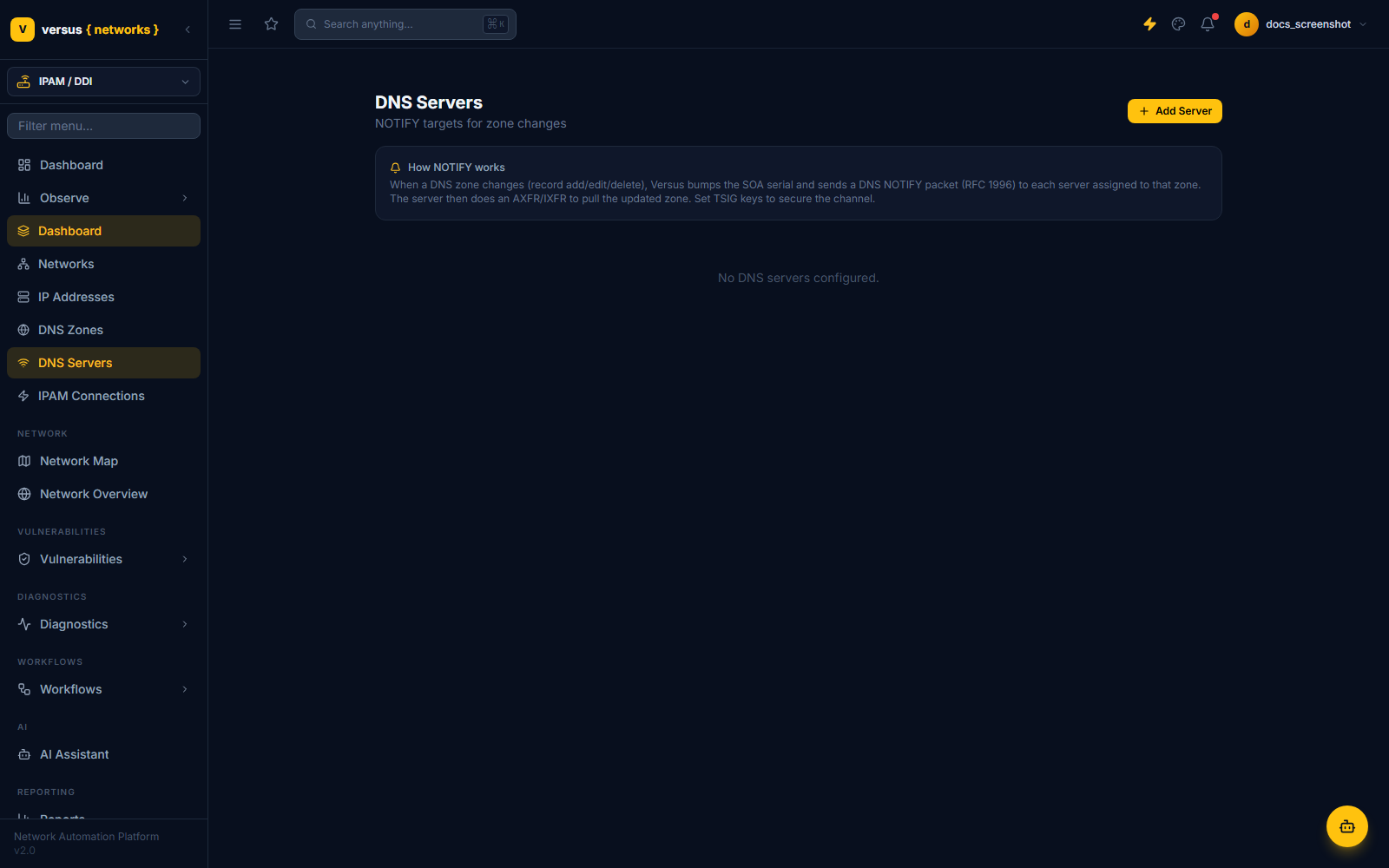
DNS Servers
Register the authoritative and secondary DNS servers behind your zones, including notify targets and TSIG keys used for authenticated zone transfers and dynamic updates.
Adding an IPAM Connection
Source platforms are configured from IPAM Connections, in the IPAM / DDI sidebar (also reachable at Integrations → IPAM Connections).
Every connected source — and its live sync status — is listed here.
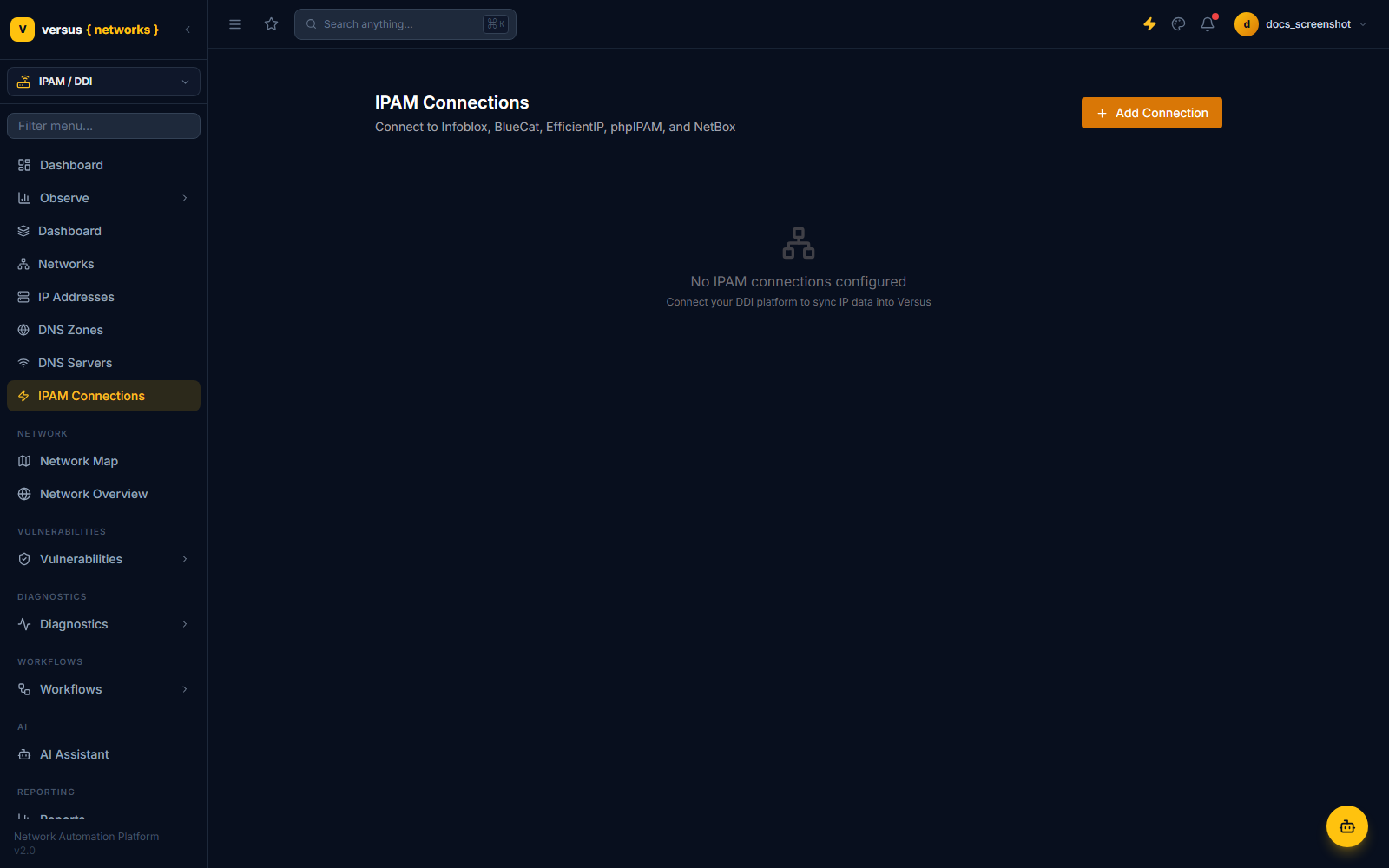
The form adapts to the platform you choose:
- Infoblox: WAPI host URL, username/password or API token.
- BlueCat: BAM host URL, credentials, and Configuration name.
- EfficientIP: SOLIDserver host URL, username, password.
- phpIPAM: App URL, app ID, username/password (exchanged for a session token).
- NetBox: Host URL and API token.
Once connected, run a sync to pull networks, IP addresses, and DNS zones into the workspace views above. Synced data refreshes on demand or on a scheduled interval, depending on platform.
VIP Allocation Workflow Step
When building a migration workflow (A10→AVI, Kemp→AVI, or any supported source-target pair), add an Allocate VIP step to the workflow canvas. Configure it with:
- IPAM Source — which connected platform to allocate from.
- Subnet — the network to allocate from, populated from the Networks view.
- Hostname prefix — optional DNS name registered alongside the IP allocation.
At runtime the step calls the IPAM API, reserves the next available IP, writes it into the workflow context as {{vip_address}}, and passes it forward to the virtual server creation step. If a migration workflow fails or is rolled back, Versus releases any IPs it allocated during that run.
Quick Reference
| Item | Detail |
|---|---|
| Supported platforms | Infoblox, BlueCat, EfficientIP, phpIPAM, NetBox |
| Collector-routed platforms | Infoblox, BlueCat, EfficientIP (via an on-prem Versus Collector, when needed) |
| Backend-direct platforms | phpIPAM, NetBox |
| Workspace pages | Dashboard, Networks, IP Addresses, DNS Zones, DNS Servers, IPAM Connections |
| Workflow variable | {{vip_address}} — injected by the Allocate VIP step |
| Rollback behaviour | Allocated IPs are automatically released on workflow failure |
| Credential storage | Encrypted at rest; never displayed after initial save |