Zscaler & CrowdStrike Integration
Bring Zscaler ZIA/ZPA/ZDX policy and CrowdStrike Falcon endpoint data into Versus — normalized alongside your firewall and network policy, with usage tracking, topology mapping, and workflow-driven response actions.
Switch to the Client End-point Security workspace from the workspace selector in the sidebar. It has two sections — Zscaler (Tenants & Setup, Rules, PEP Topology, Log Streaming) and Crowdstrike (connection and automation).
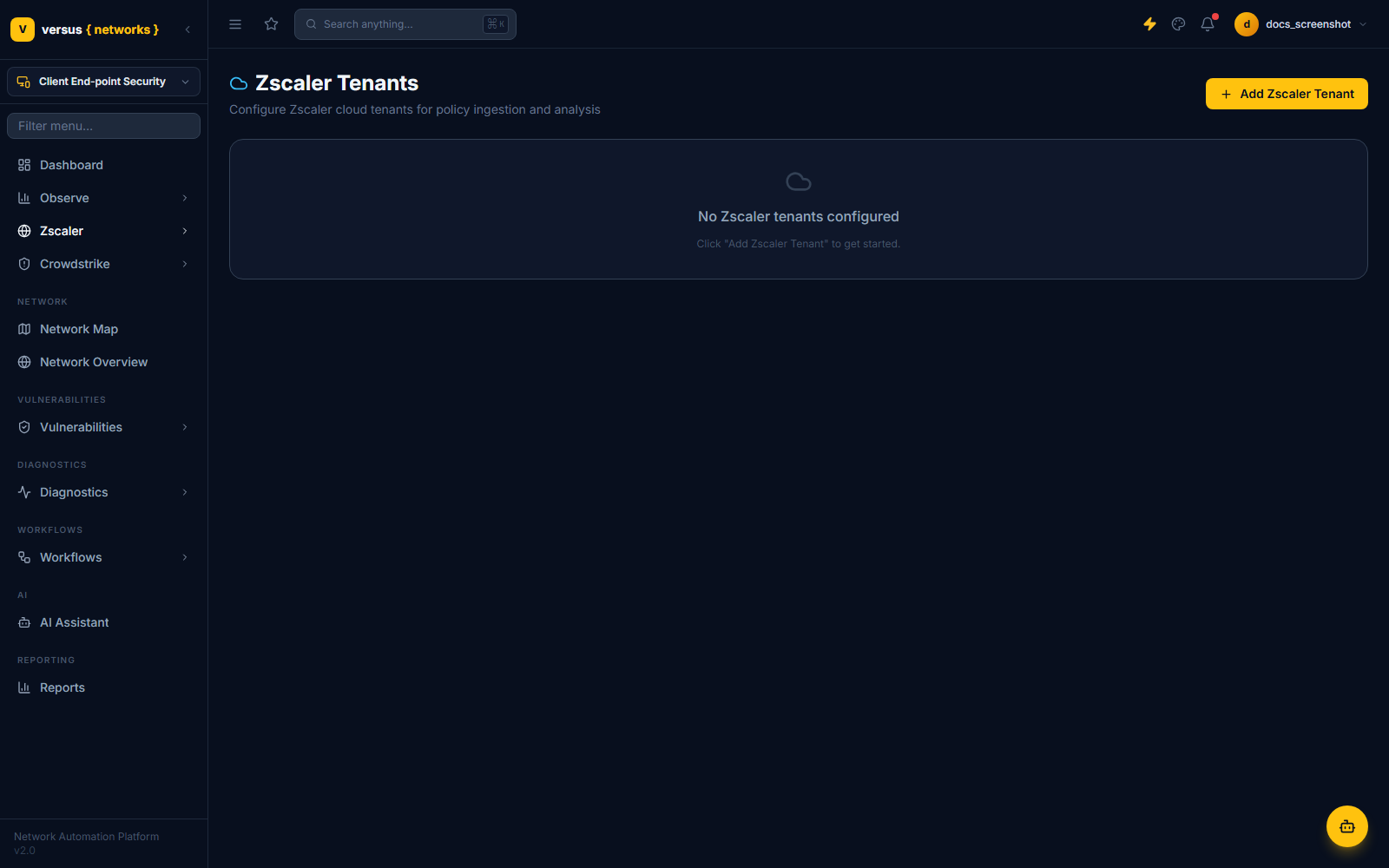
Zscaler: Tenants & Setup
Each row on this page (Zscaler → Tenants & Setup) is one Zscaler org, covering ZIA, ZPA, and ZDX — pick which products are enabled per tenant. Two authentication modes are supported:
- OneAPI (recommended) — OAuth2 via ZIdentity: vanity domain, client ID, and client secret. A single credential set covers whichever products you enable.
- Legacy per-product — ZIA cloud name, username, and password/API key; ZPA customer ID, microtenant ID, and cloud. Required for Gov Cloud tenants (US-GOV/US-GOV-US), which force legacy, read-only auth.
Zscaler: Rules
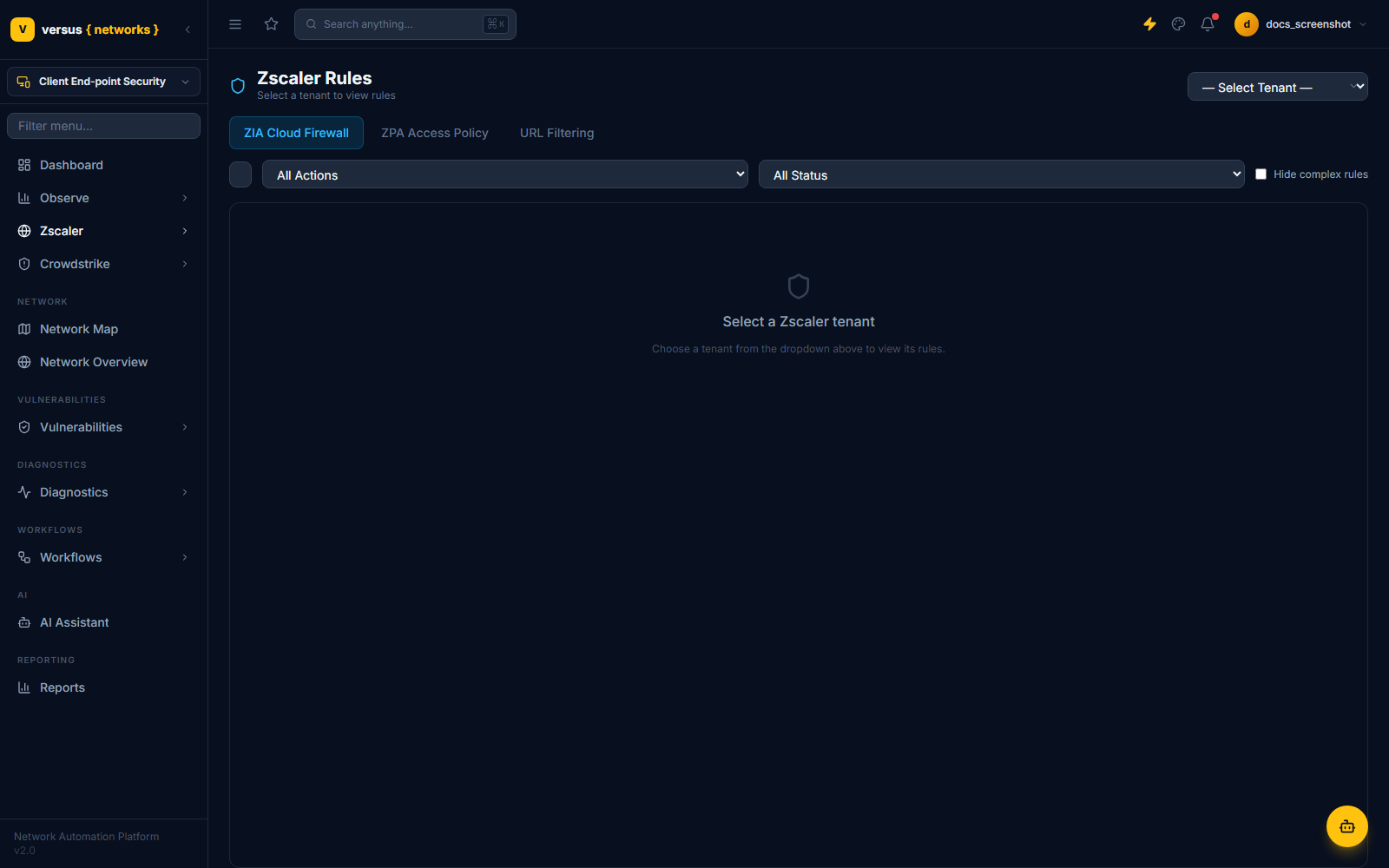
Select a tenant to view its policy across three tabs — ZIA Cloud Firewall, ZPA Access Policy, and URL Filtering. Syncing a tenant pulls its firewall and access-policy rules and normalizes them into the same rule model Versus uses for physical firewalls — action, locations/IP groups, URL categories, identity conditions (departments, groups, users), and, for ZPA, posture/SAML/trusted-network conditions. Filter by action or status, and use Hide complex rules to collapse rules with conditions Versus can't fully render.
Edits made in Versus are staged and written back through Zscaler's API rather than applied immediately — pending changes are checked for conflicting edits made elsewhere before being activated.
Zscaler: PEP Topology
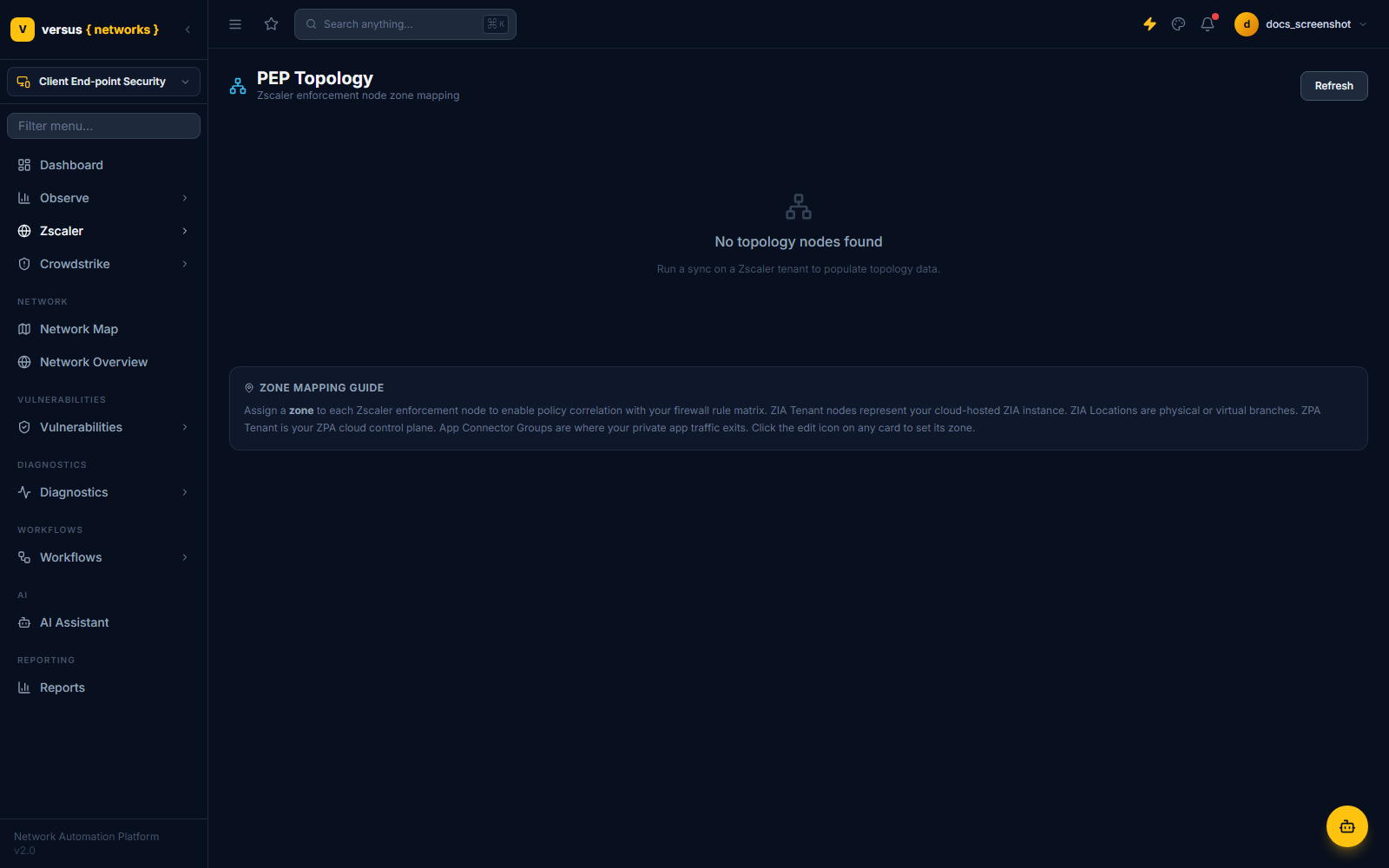
Maps Zscaler's policy enforcement points — ZIA tenant, ZIA locations, ZPA tenant, and ZPA App Connector Groups — to your Versus network zones, so Zscaler-enforced traffic correlates with the rest of your firewall rule matrix. Assign a zone to each node from its card; topology data itself populates after a tenant sync.
Zscaler: Log Streaming
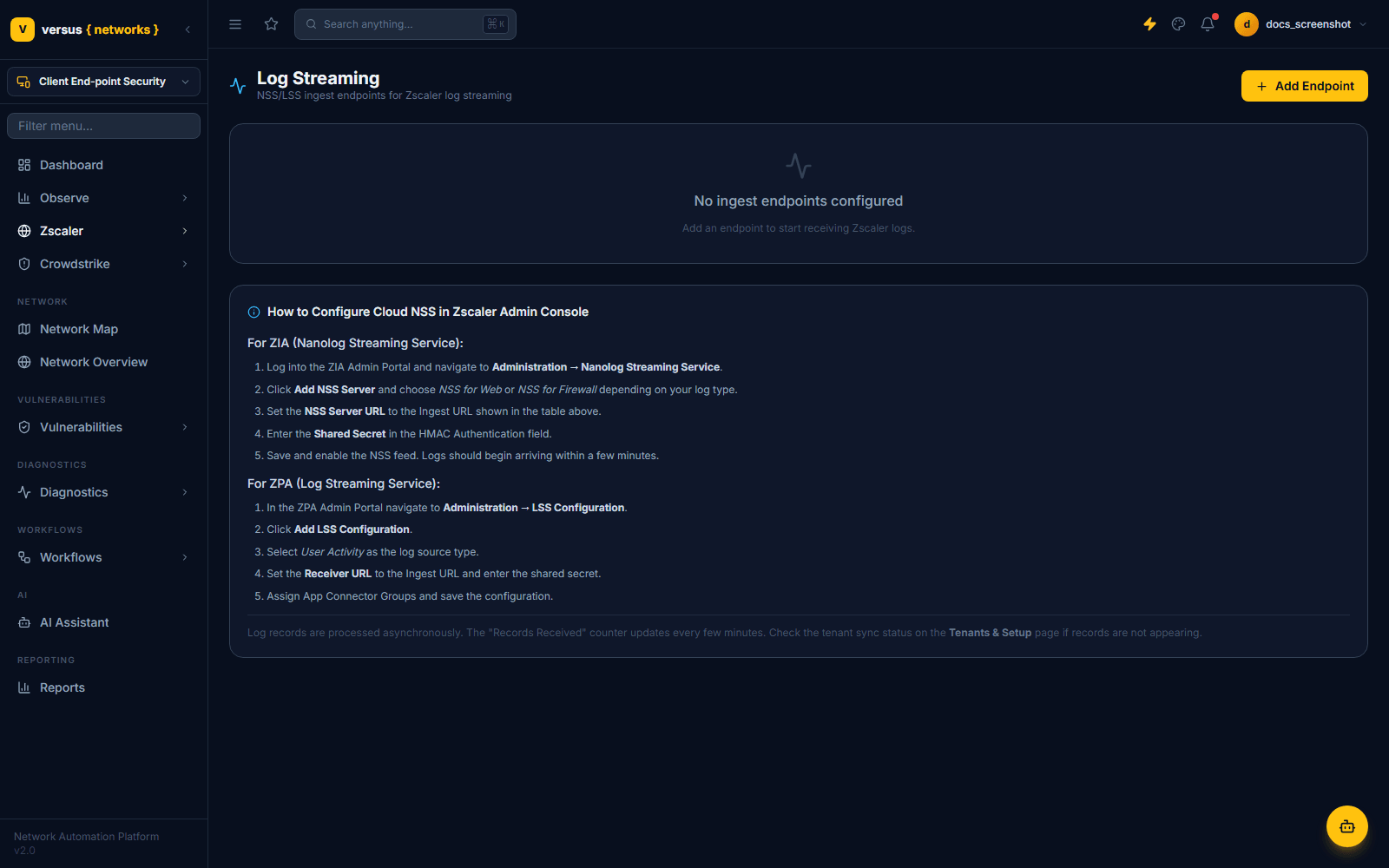
Registers webhook endpoints that receive Zscaler's NSS (Nanolog Streaming Service, for ZIA) and LSS (Log Streaming Service, for ZPA) feeds. Each endpoint gets a unique ingest URL and an HMAC shared secret; Versus verifies the X-Zscaler-Signature header on every incoming batch. Incoming records are matched to a rule by label/name/policy/ID and used to increment that rule's hit counters — this is what powers rule usage and staleness tracking on the Rules page, not full log storage or search.
For ZIA: Administration → Nanolog Streaming Service → Add NSS Server, set the NSS Server URL to the ingest URL and the shared secret in the HMAC Authentication field. For ZPA: Administration → LSS Configuration → Add LSS Configuration, select User Activity as the log source type, and set the Receiver URL and shared secret.
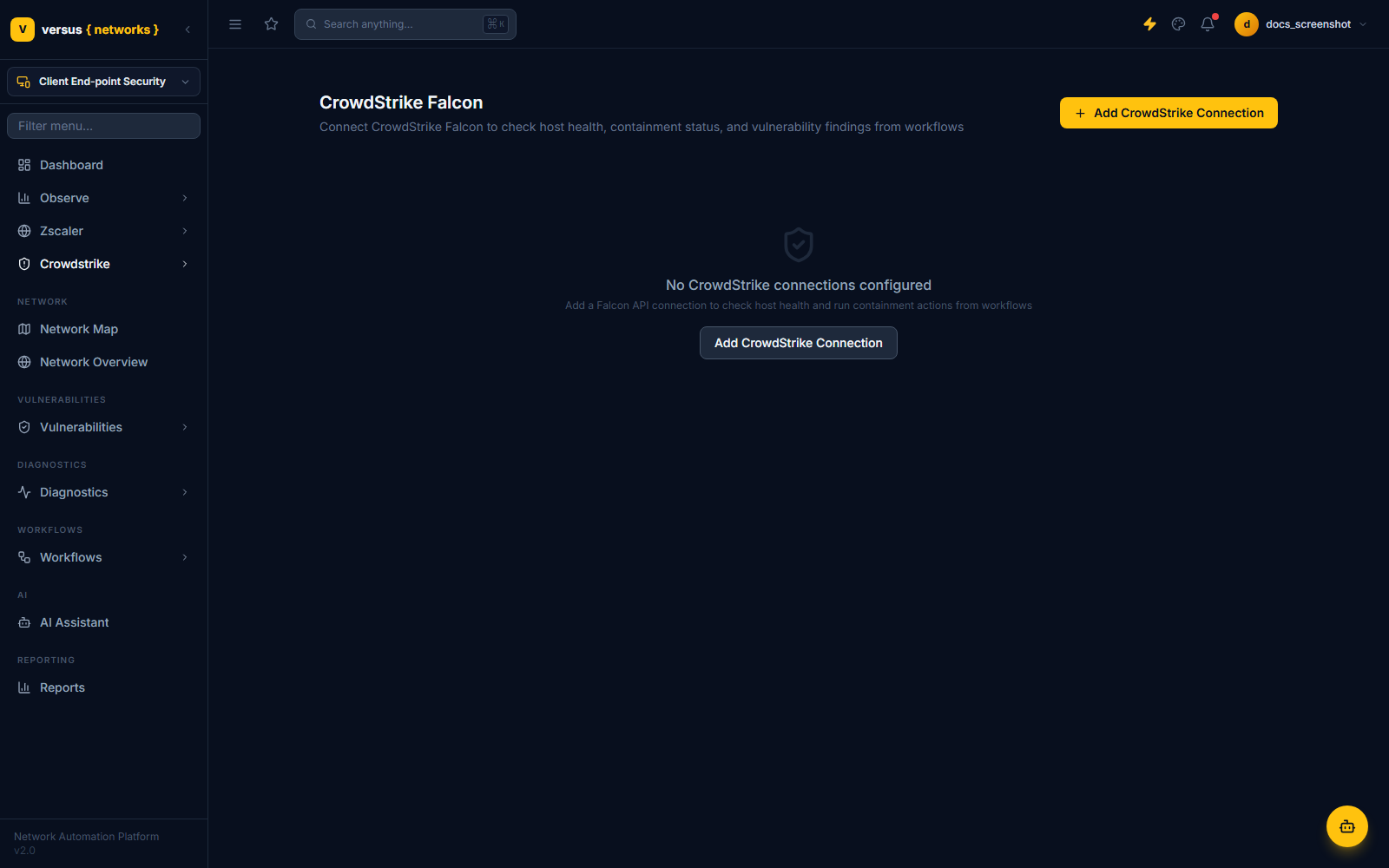
CrowdStrike: Connection
Connect CrowdStrike Falcon from Crowdstrike → Connection settings (also reachable at /integrations/crowdstrike). This is an OAuth2 client-credentials connection to the Falcon platform API:
- Base URL — defaults to
api.crowdstrike.com(US-1); also supports US-2, EU-1, and US-GOV-1. - Client ID and Client Secret — from a Falcon API client with the scopes your automation steps need (host detail, containment, detections, Spotlight, RTR).
Use Test Connection to validate credentials — it exchanges them for a token against the Falcon OAuth2 endpoint before you save.
CrowdStrike: Automation
Available CrowdStrike workflow steps:
- Check connectivity and look up a host by hostname or Agent ID (AID).
- Contain host / lift containment — network isolation via Falcon.
- List detections, filtered with Falcon Query Language (FQL).
- Get Spotlight vulnerabilities (CVEs) for a host.
- Run an RTR script (PowerShell or shell) via Real Time Response.
- Update detection status — in_progress, true_positive, false_positive, closed, or ignored.
Chain these into a response playbook — for example: alert arrives → look up the host → contain it → run an RTR triage script → update the detection status once resolved.
Quick Reference
| Item | Detail |
|---|---|
| Zscaler products | ZIA, ZPA, ZDX — enabled per tenant |
| Zscaler auth | OneAPI (ZIdentity OAuth2) recommended; legacy per-product auth for Gov Cloud |
| Zscaler rule sources | ZIA Cloud Firewall, ZPA Access Policy, URL Filtering |
| Zscaler topology nodes | ZIA Tenant, ZIA Location, ZPA Tenant, ZPA App Connector Group |
| Zscaler log ingest | NSS (ZIA) / LSS (ZPA) webhook endpoints, HMAC-signed |
| CrowdStrike auth | OAuth2 client credentials against the Falcon platform API (US-1/US-2/EU-1/US-GOV-1) |
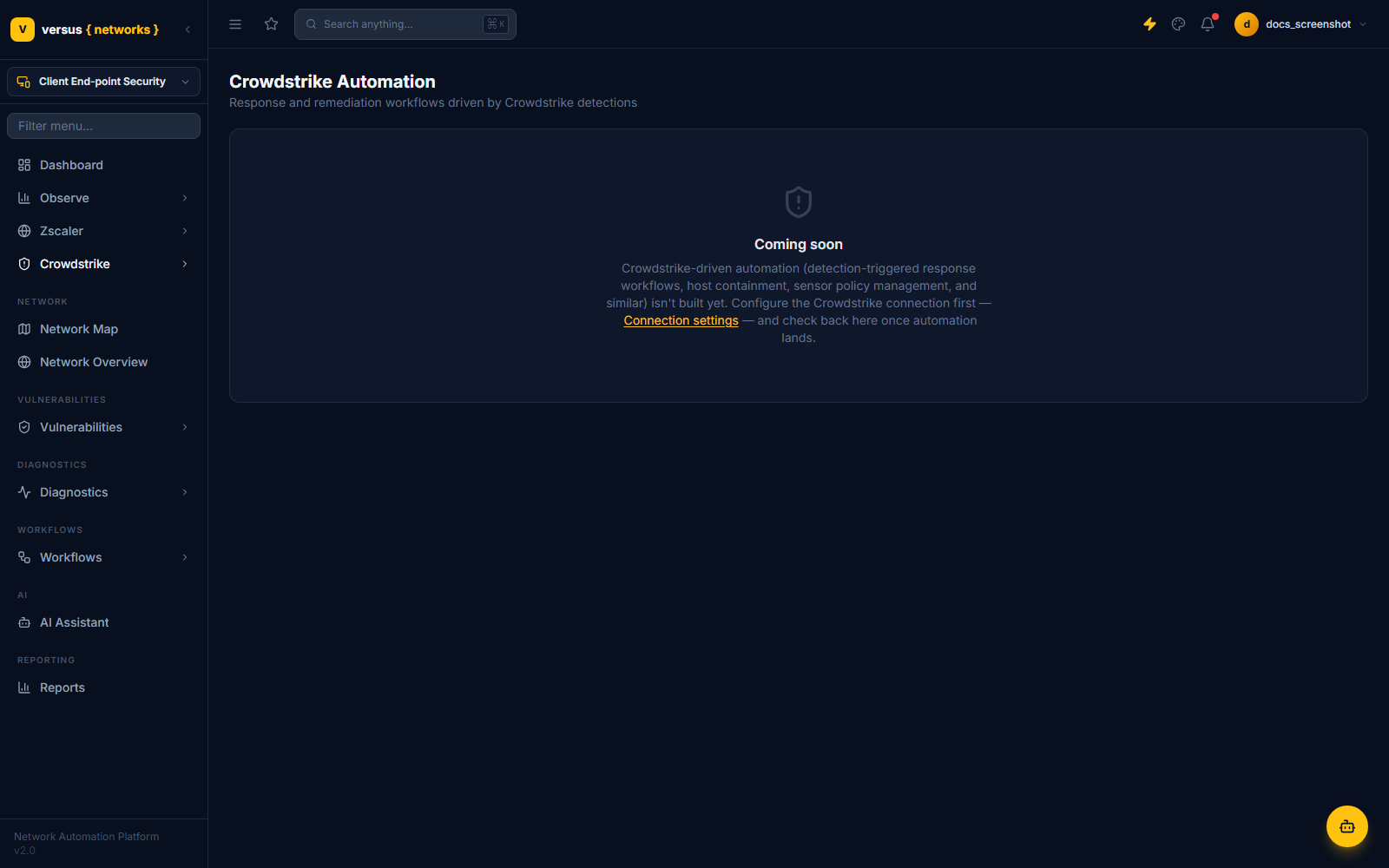
| CrowdStrike automation | Available now as Workflow Builder steps; dedicated console coming soon |